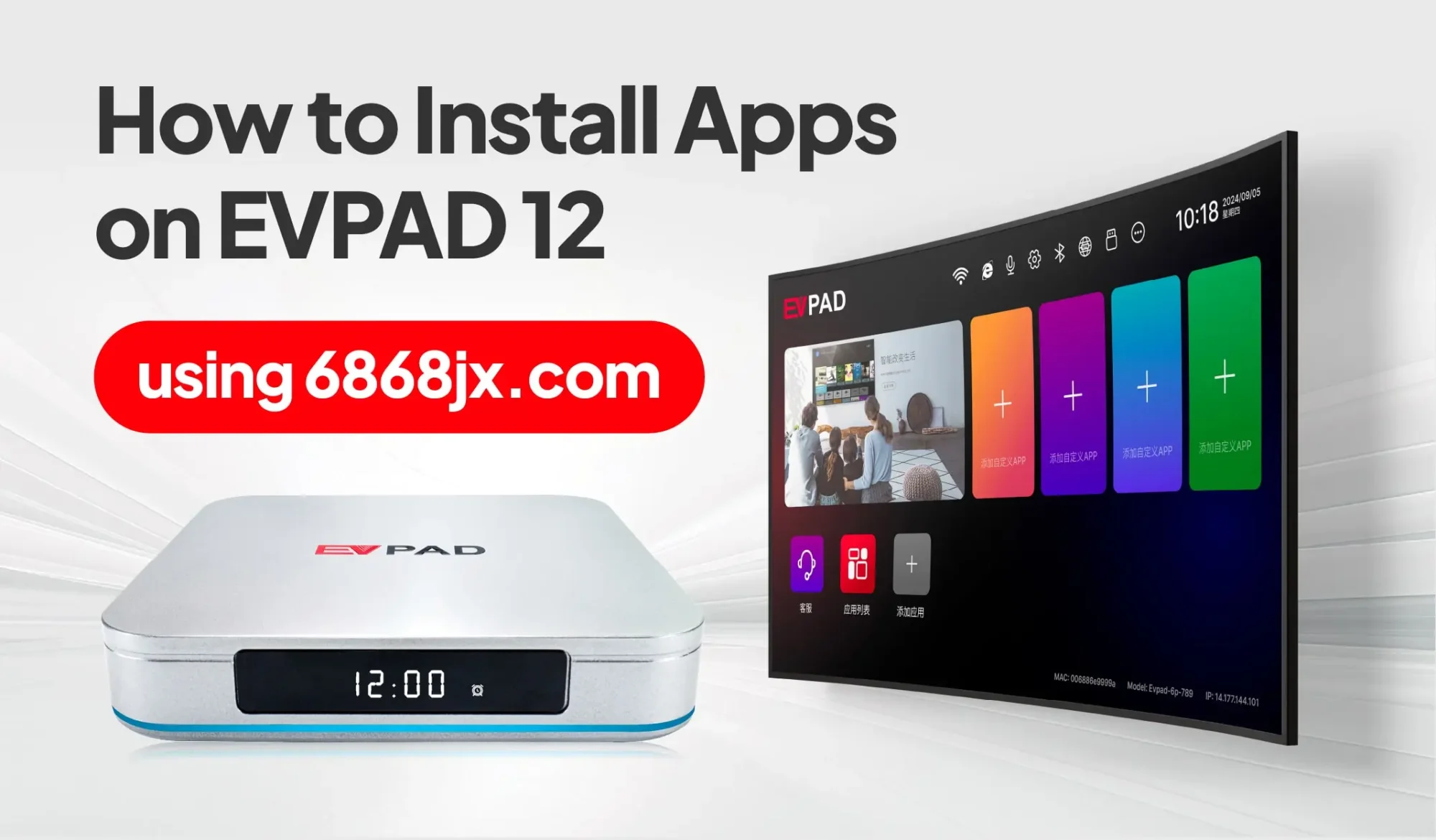
If you need to install or reinstall apps on your EVPAD, one of the most common methods is to use the 6868hx download page directly from the built-in browser. This allows you to download compatible APK files and install essential apps without relying on the Google Play Store.
In this guide, you’ll learn how to install apps on EVPAD step by step, how to use 6868hx, how to install APK files from a USB drive, and how to fix common download or installation errors.
What Is 6868 on EVPAD?
6868 is a term commonly associated with the app download and installation pages used on EVPAD devices. It is not an EVPAD model number or an error code. When users search for terms such as EVPAD 6868 or 6868hx, they are usually looking for the page used to download and install compatible APK files on their TV box.
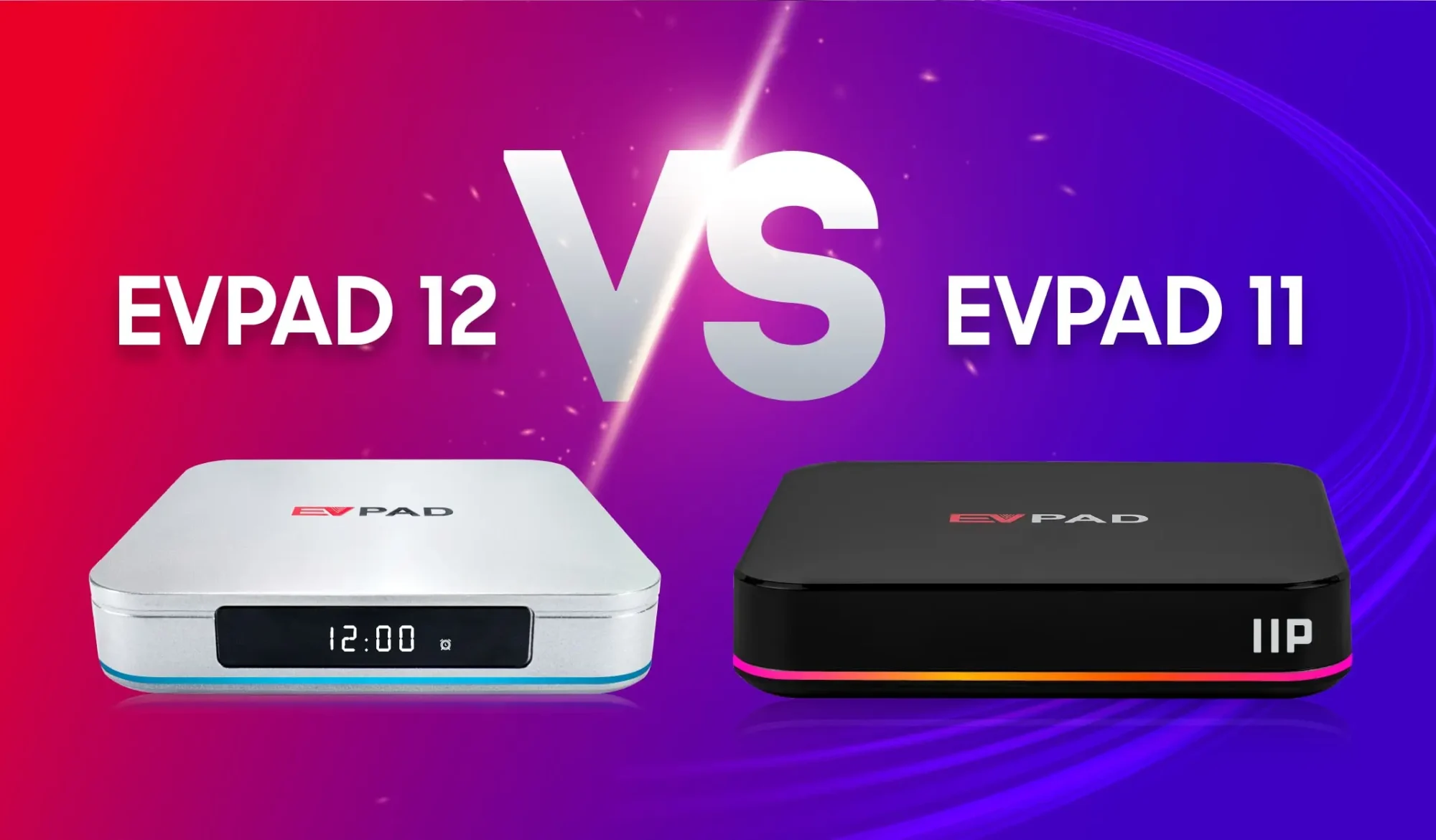
6868hx is one of the commonly used download methods across multiple EVPAD generations. The installation process is generally similar on both older models and newer generations, including EVPAD 10, 11, and 12 series. Depending on the software version, users may also encounter other 6868-related addresses such as 6868jx.
Which EVPAD Models Can Use This Installation Method?
The 6868hx installation method can be used across multiple EVPAD generations, including both older models and newer devices. The basic process remains similar: open the built-in browser, access the download page, select the appropriate app package, and install the APK directly on the device.
This method can be used on earlier models such as the EVPAD 3 and 5 Series, as well as newer generations including the EVPAD 10, EVPAD 11, and EVPAD 12 Series.
While the installation steps are generally the same, the available app package may vary depending on the device generation and software version. Always select the package intended for your EVPAD model before starting the installation.
How to Install Apps on EVPAD Using 6868hx
You can install apps on EVPAD directly through the built-in browser without using the Google Play Store. The basic process is similar across EVPAD generations, including newer EVPAD 10, 11, and 12 Series devices.
Step 1: Open the Browser on Your EVPAD
Turn on your EVPAD and go to the home screen. Open the built-in Browser or web browser application.
Step 2: Open the 6868hx Download Page
Enter https://6868hx.net in the browser address bar and open the page. Make sure the address is entered correctly without additional spaces or characters.
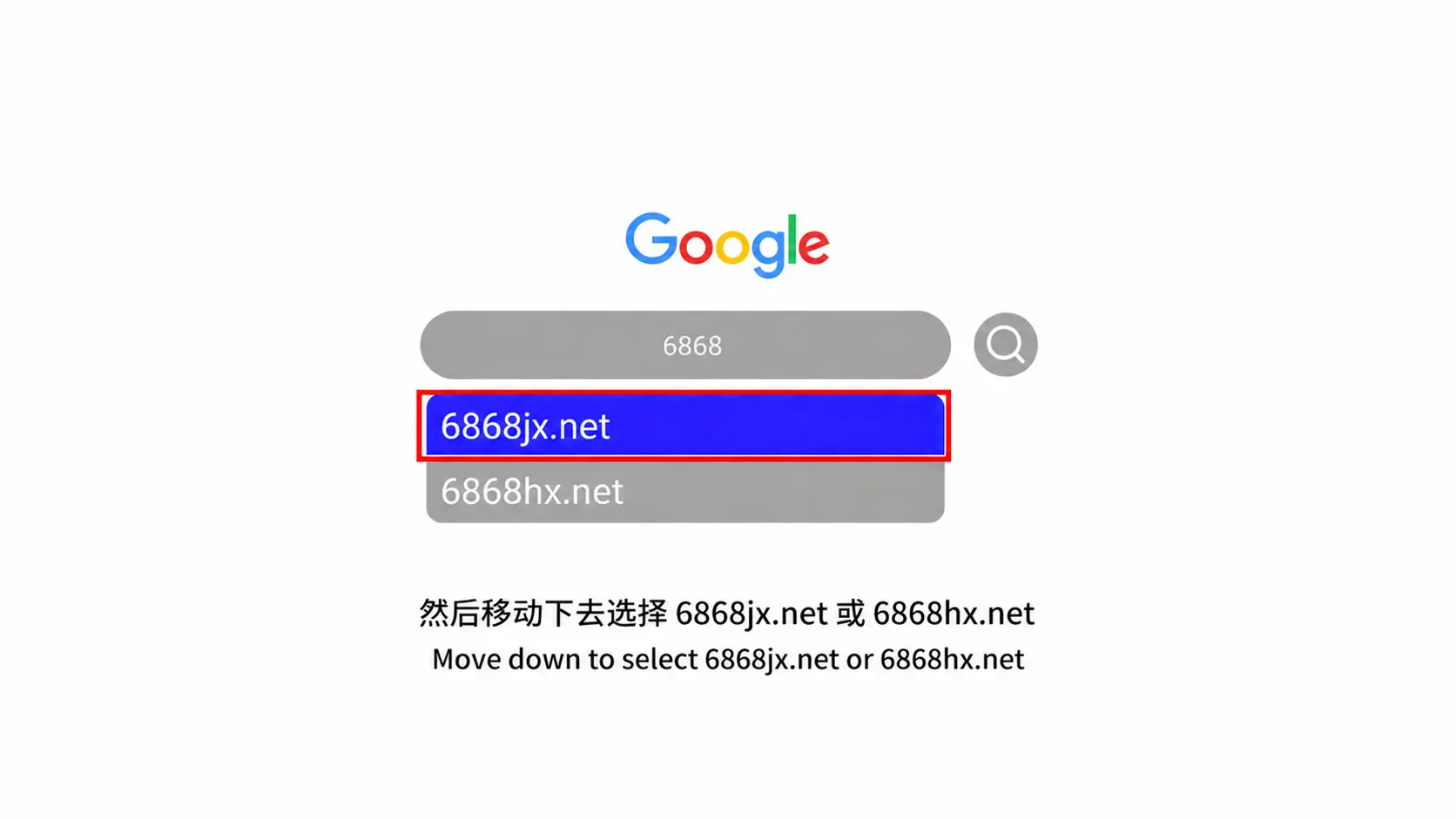
Step 3: Choose the Correct App Package
Find the app you want to install and select the package that matches your EVPAD generation or software version. Although the installation process is similar across different models, the available APK packages may not be identical.
Avoid installing a package intended for a different device generation, as it may fail to install or may not work correctly after installation.
Step 4: Download the APK File
Select the app package to begin the download. Wait until the APK file has downloaded completely before opening it. Depending on your EVPAD model, the downloaded file may appear in the browser’s download list or in the Download folder inside File Manager.
Step 5: Allow Installation from the Browser
When you install an APK for the first time, Android may ask for permission to install apps from this source. Select Allow from this source or enable the relevant Unknown Sources permission for the browser.
The exact menu name may vary slightly between EVPAD generations and Android versions.
Step 6: Install and Open the App
Open the downloaded APK file and select Install. Once the installation is complete, choose Open or return to the EVPAD home screen to launch the app.
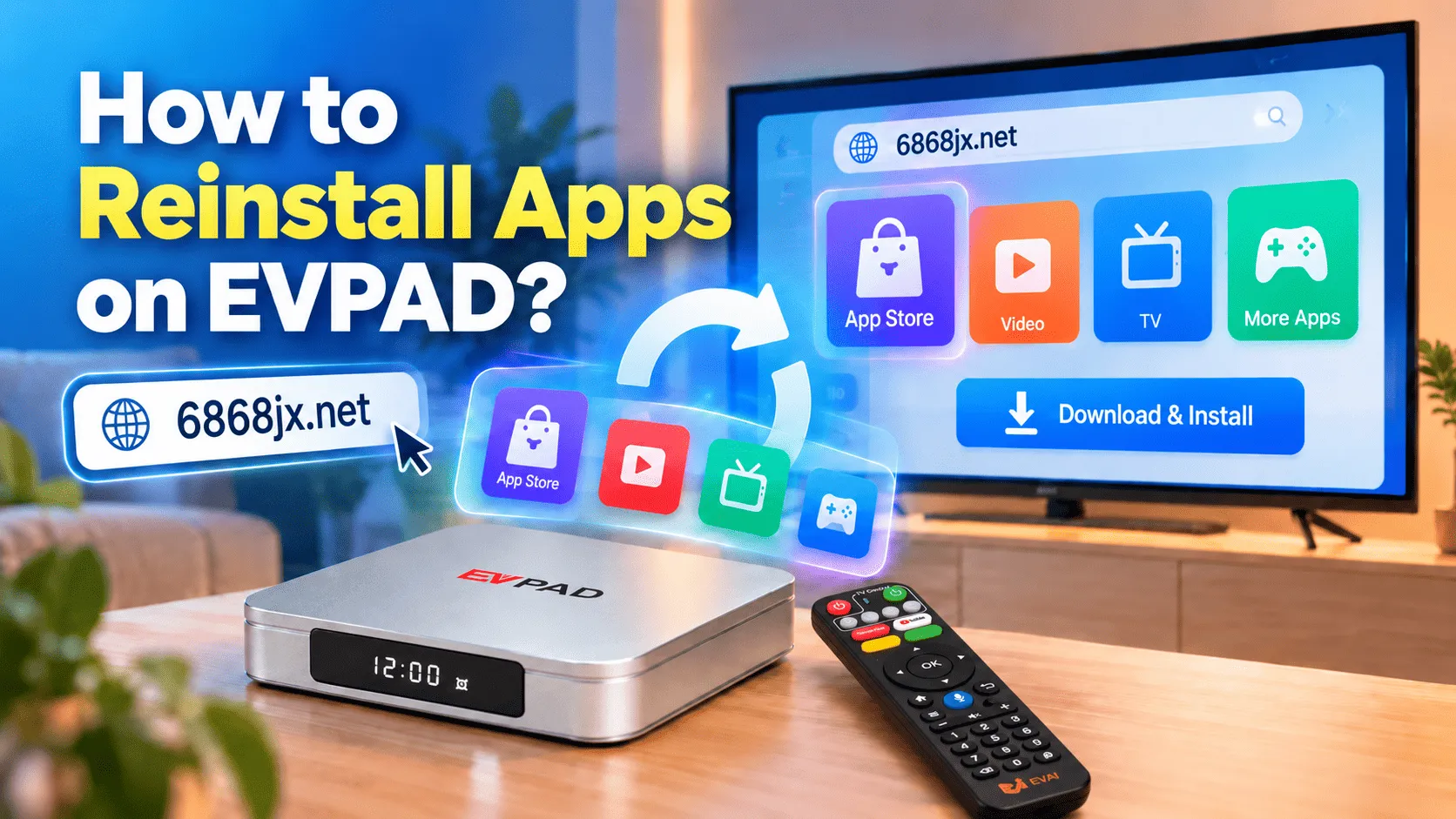
Need to reinstall an app?
If an app was previously installed but is now missing, damaged, or no longer working correctly, see our separate guide on how to reinstall apps on EVPAD .
Which Apps Can You Install Through This Method?
The apps available through 6868hx can vary depending on your EVPAD generation and current software version. In most cases, the page provides the main EVPAD application packages needed for everyday use.
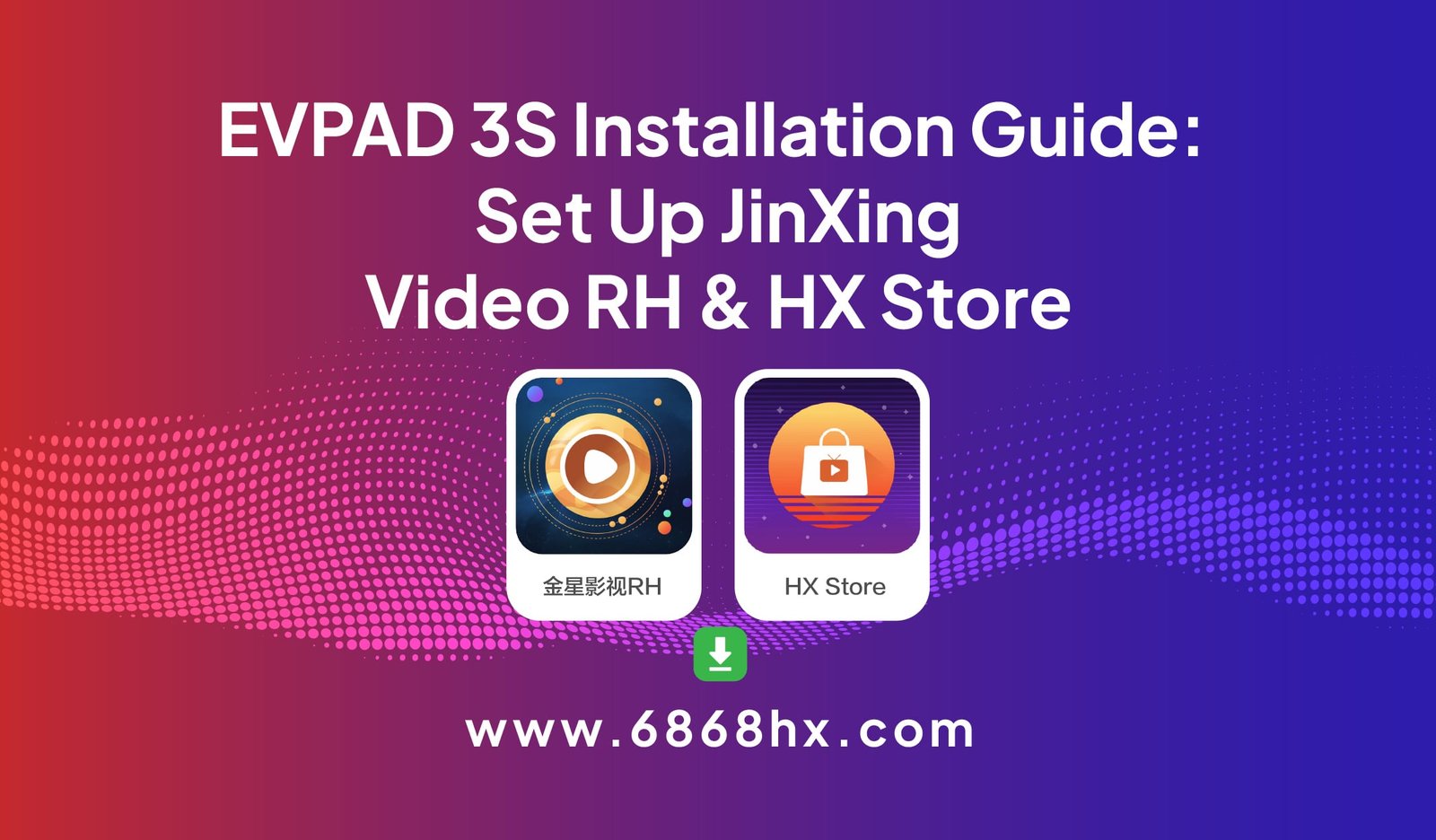
JinXing Video RH
JinXing Video RH is one of the main application packages used on supported EVPAD devices. It combines live content and on-demand viewing in a single app, replacing older setups that required separate applications.
HX Store
HX Store is used to manage and install additional compatible apps on EVPAD. Once installed, it can provide a more convenient way to add or update supported applications without downloading every APK manually through the browser.
Because available packages may change over time, always choose the version shown for your EVPAD model or software version instead of installing an APK intended for another generation.
Alternative Method: Install EVPAD Apps from a USB Drive
If downloading an APK directly through the EVPAD browser is inconvenient or the browser cannot complete the download, you can also install apps manually using a USB flash drive.
- Download the APK file on a computer.
Open the appropriate EVPAD download page and download the app package that matches your device. - Copy the APK to a USB flash drive.
Save the downloaded APK file to the USB drive. For easier navigation, place the file in the main directory instead of inside multiple folders. - Connect the USB drive to your EVPAD.
Insert the USB flash drive into an available USB port on the TV box. - Open File Manager.
From the EVPAD home screen, open File Manager or the available file browsing application and select the connected USB storage. - Install the APK.
Select the APK file and choose Install. If Android blocks the installation, allow installation from the file manager or enable the relevant Unknown Sources permission when prompted. - Open the app.
After installation is complete, return to the home screen and launch the newly installed application.
This method is especially useful when the built-in browser is slow, the download repeatedly fails, or you prefer to prepare the APK file on another device first.
6868hx Not Working? Try These Fixes
If you cannot access 6868hx, download an APK, or complete the installation on your EVPAD, try the following fixes before downloading the file again.
6868hx Page Won’t Open
- Check your internet connection: Make sure the EVPAD is connected to Wi-Fi or Ethernet and that other websites can load normally.
- Check the address: Re-enter the 6868hx URL carefully to make sure there are no spaces or typing errors.
- Refresh or restart the browser: Close the browser, reopen it, and try accessing the page again.
- Clear the browser cache: If the page still does not load correctly, clear the browser cache from the EVPAD app settings and try again.
APK Download Does Not Finish
If the download stops before completion, delete the incomplete APK file and start the download again. Also check that your EVPAD has enough available storage and that the internet connection remains stable during the download.
“Parse Error” or “App Not Installed”
These errors can occur if the APK file is incomplete, corrupted, incompatible with the device, or intended for a different Android or EVPAD version.
- Delete the downloaded APK and download it again.
- Confirm that the package matches your EVPAD generation.
- Check that there is enough free storage space.
- If another version of the same app is already installed, remove the conflicting version before trying again when appropriate.
Installation Is Blocked
If Android prevents the APK from being installed, open the security or app permission settings and allow the browser or file manager to install unknown apps. On some EVPAD versions, this option may appear as Unknown Sources or Allow from this source.
App Opens and Immediately Closes
If the installation completes but the app closes immediately after opening, restart the EVPAD first. If the problem continues, clear the app cache or reinstall the correct package for your device. An app designed for another EVPAD generation or software version may install successfully but still fail to run properly.
Frequently Asked Questions
What is 6868 on EVPAD?
6868 is commonly associated with the download and installation pages used to obtain app packages for EVPAD devices. It is not an EVPAD model number or an error code.
Where can I download apps for EVPAD?
You can download compatible app packages through the download page available from the EVPAD built-in browser. Always select the package intended for your device generation and software version.
What is the 6868hx APK latest version?
The available APK version can change as apps are updated. Instead of relying on an old version number found in a search result, check the current package provided for your EVPAD model before downloading and installing it.
Can I install APK files on older EVPAD models?
Yes. APK installation can be used on both older and newer EVPAD generations, provided the package is compatible with the device. The basic browser or USB installation process is generally similar across EVPAD models.
Why does EVPAD show “App Not Installed”?
This message may appear when the APK is incomplete, incompatible with the device, conflicts with an existing app version, or there is not enough available storage. Re-download the correct package and check the device before trying again.
Considering a newer EVPAD model?
If you are researching EVPAD before buying or planning to replace an older device, you can explore these current Malaysia versions:
View EVPAD 12P Malaysia Version View EVPAD 10S Malaysia Version
Conclusion
Installing apps on EVPAD is straightforward once you know which package is compatible with your device. You can download APK files directly through 6868hx using the built-in browser or install them manually from a USB drive if needed.
If an installation fails, check the downloaded file, device compatibility, storage space, and app installation permissions before trying again. Following the correct package and installation steps will help avoid most common EVPAD app installation problems.
Need Technical Assistance?
- WhatsApp: +60 11-1180 6101