



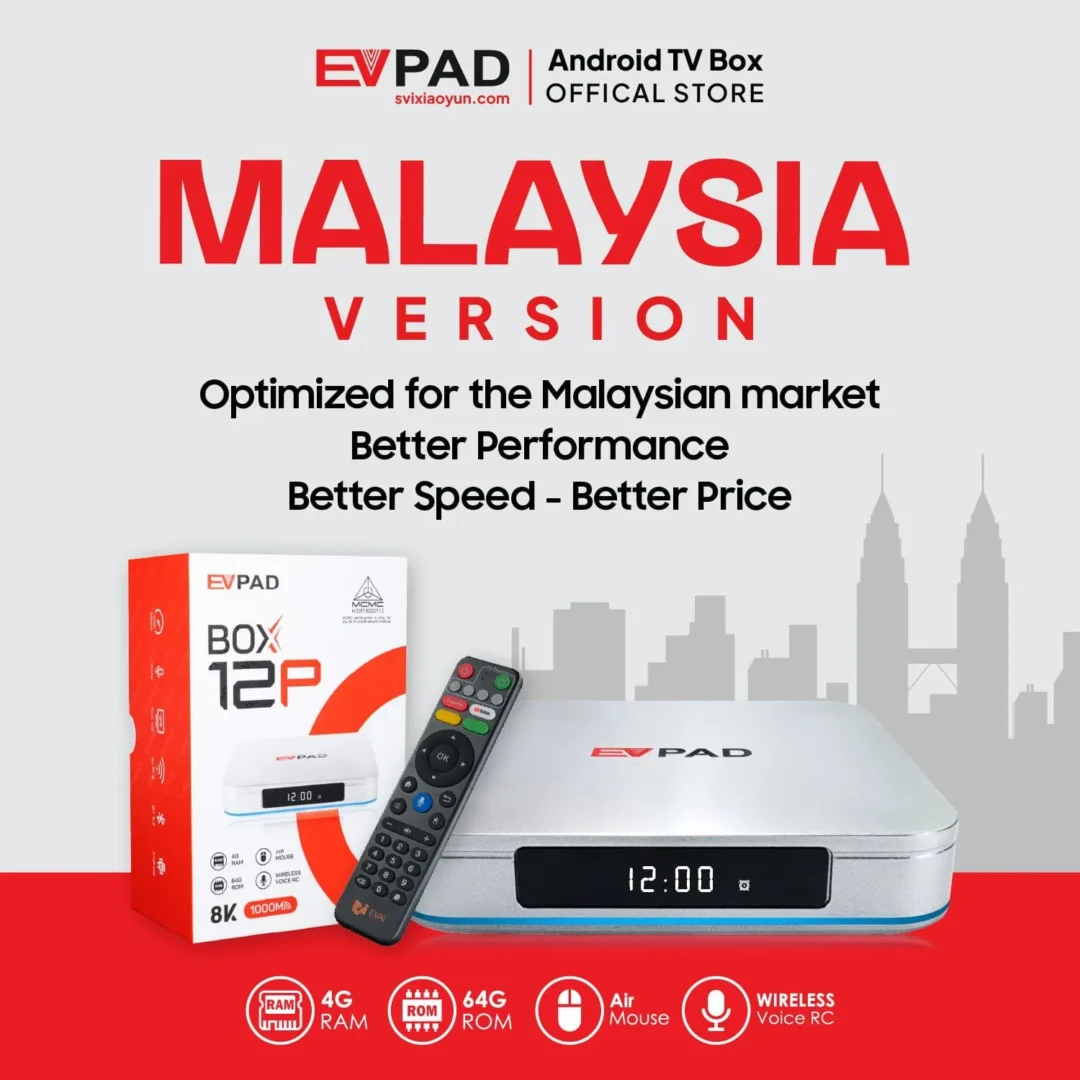
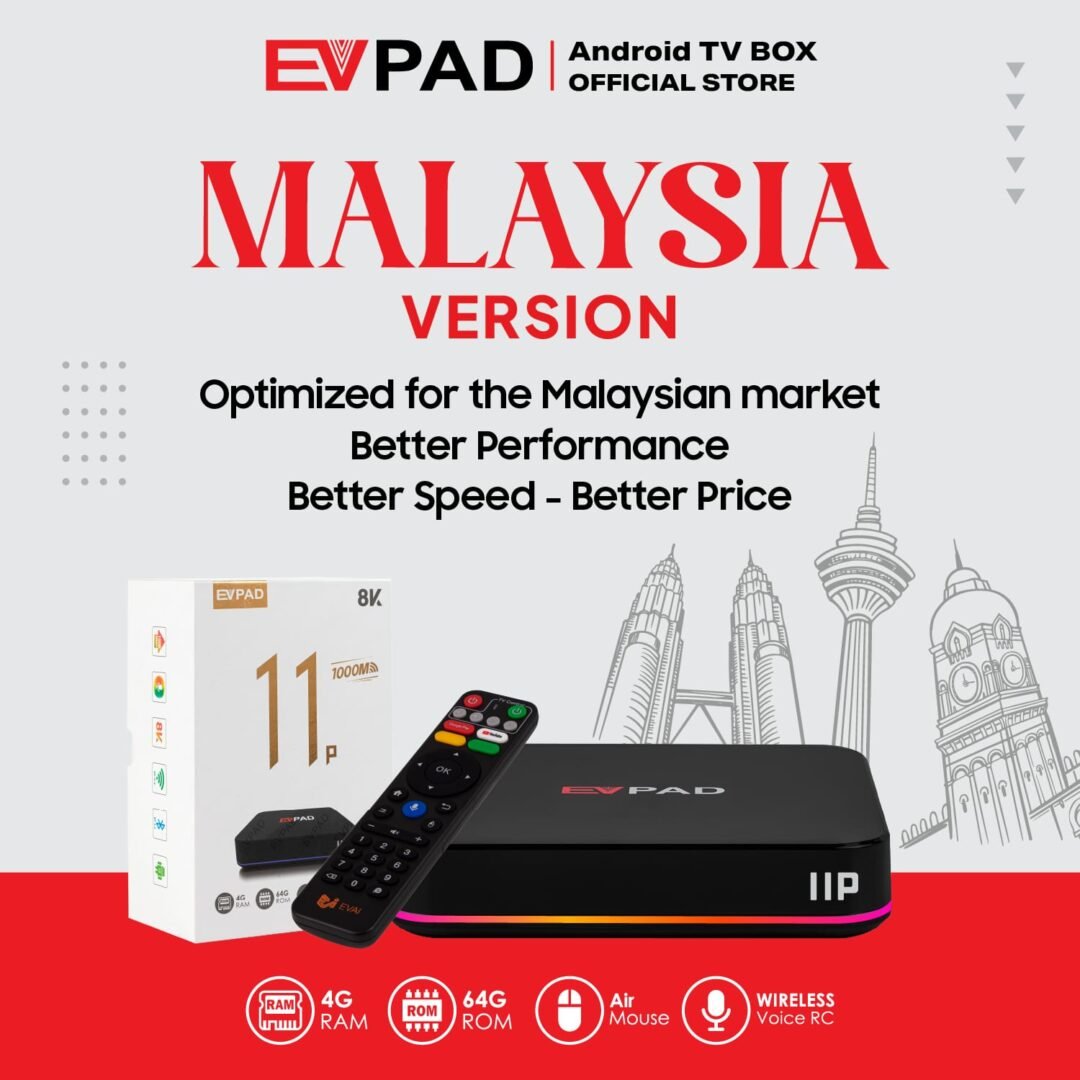
The EVPAD 12P Malaysia Version is an Android TV box designed for customers in Malaysia. It runs Android 12 on the Allwinner H618 quad-core processor, with 4GB DDR3 RAM and 64GB eMMC storage for everyday use.
With dual-band Wi-Fi 6, Gigabit Ethernet, Bluetooth 5.2 and a smart voice remote, the EVPAD 12P provides flexible connectivity and straightforward control for your home TV setup.
Key Features of EVPAD 12P
Android 12 with 4GB RAM and 64GB Storage
The combination of Android 12, 4GB DDR3 RAM and 64GB eMMC storage supports everyday navigation and compatible applications. The storage provides room for apps, system files and updates, depending on available space.
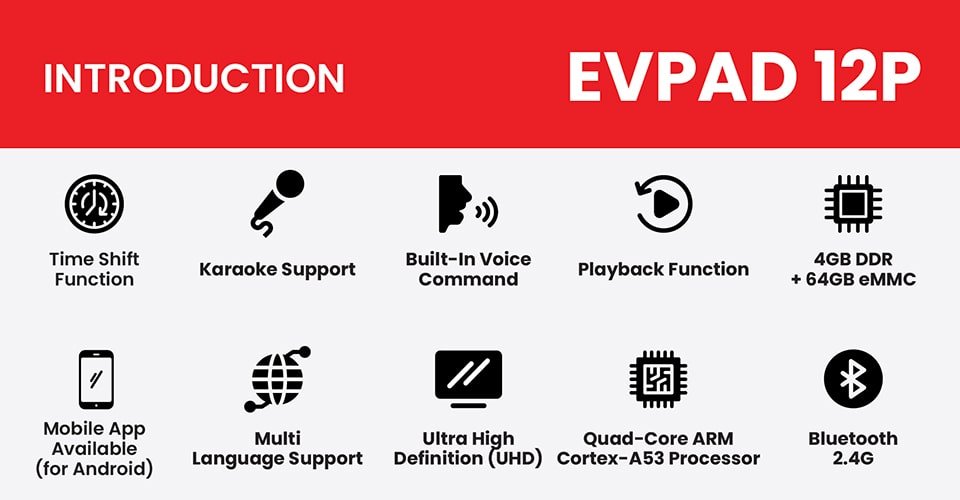
Dual-Band Wi-Fi 6 and Gigabit Ethernet
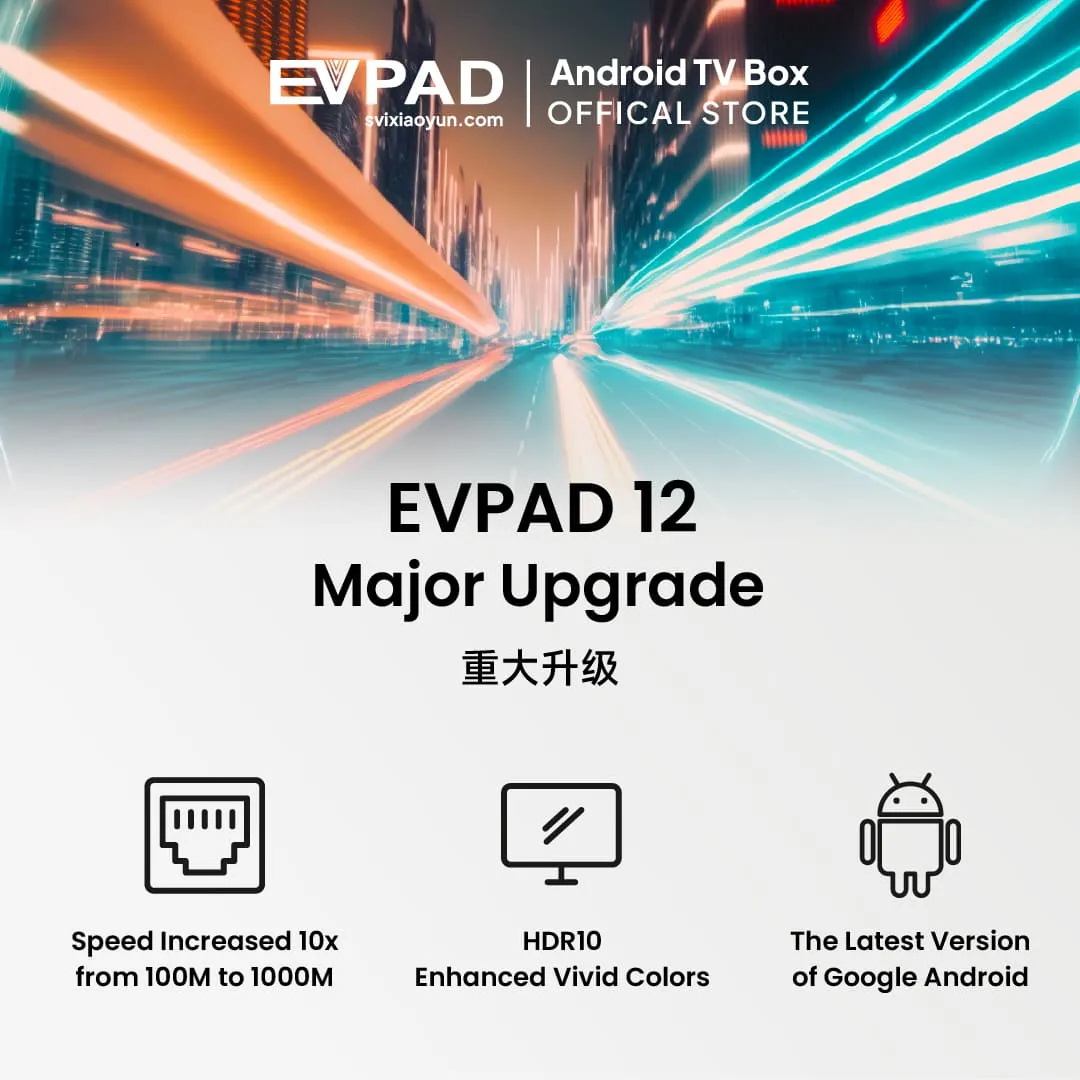
Connect through 2.4GHz or 5GHz Wi-Fi 6, or use the 1000M Gigabit Ethernet port for a wired connection. Ethernet can be useful when your TV box is positioned near the router.
Actual connection speed and streaming performance depend on your internet service, router, network conditions and the applications in use.
4K Video Output and HDR10 Support
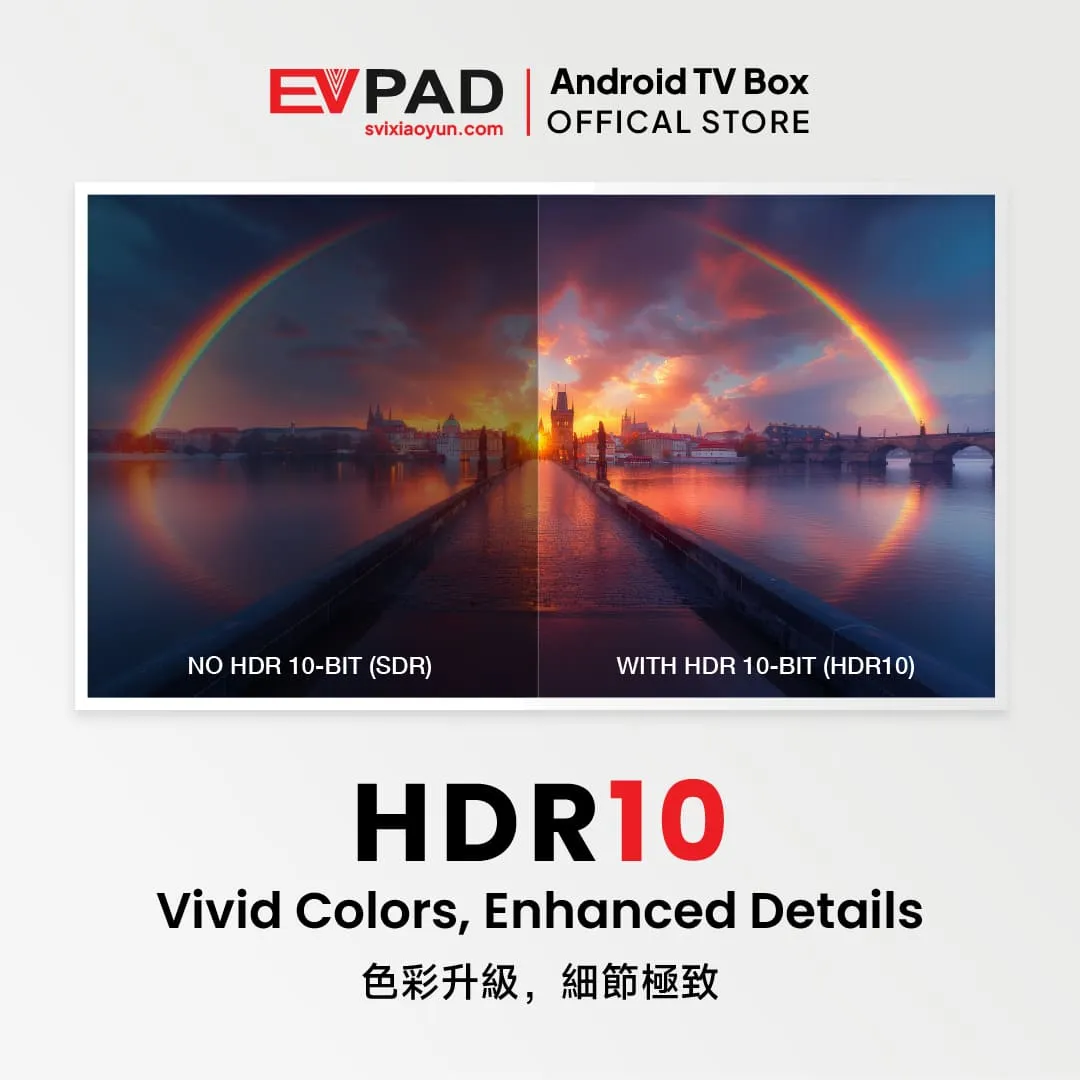
The EVPAD 12P technical specification lists 4K×2K video output and HDR10 support. With compatible equipment and source material, HDR10 can provide improved contrast and color detail.
Actual picture quality depends on your television, HDMI connection, display settings and video source.
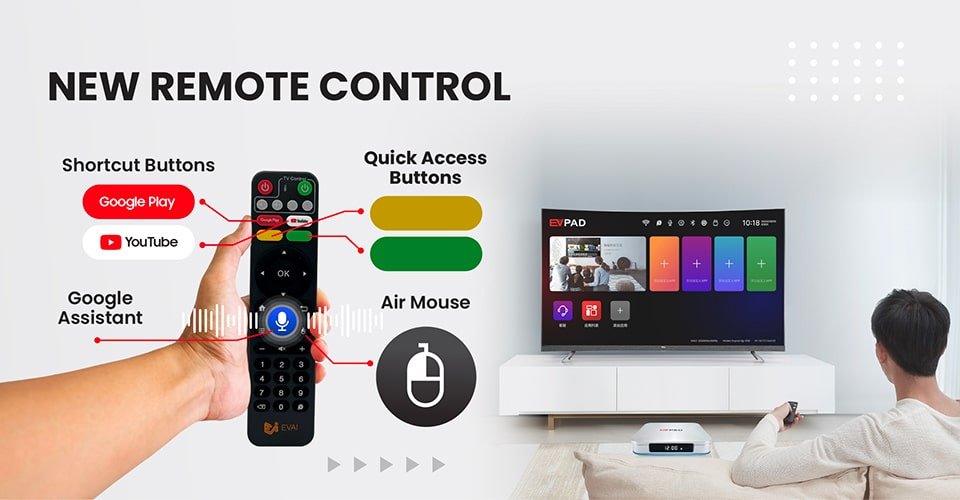
Smart Voice Remote with Air Mouse
The included smart remote supports voice input, air mouse navigation and shortcut buttons. These controls offer convenient ways to navigate menus, enter commands and access supported functions.
Voice commands and customizable shortcuts may depend on the active application and device settings.
Additional Entertainment Features
The EVPAD 12 series can work with compatible Android applications for home entertainment. Depending on the application and service, available functions may include:
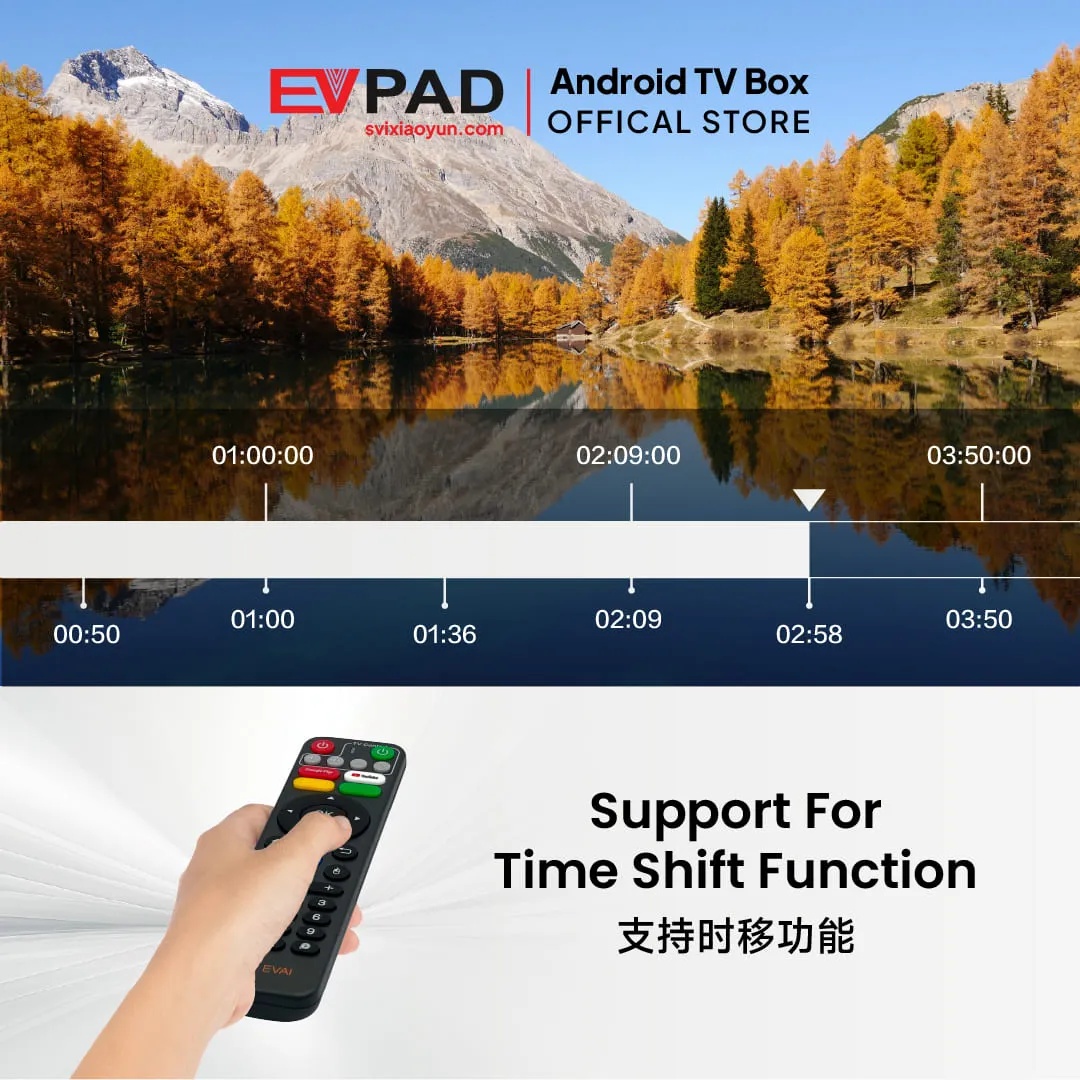
- Time-shift playback: Pause or revisit supported live content when the service provides this function.
- Android mobile integration: Additional functions for supported Android phones and applications.
- Home karaoke: Karaoke functionality through compatible applications and audio accessories.
These functions depend on application compatibility, service availability and applicable access rights. They are not guaranteed to be available through every application.
EVPAD 12P Technical Specifications
| Model | EVPAD 12P Malaysia Version |
|---|---|
| Operating System | Android 12 |
| Processor | Allwinner H618, Quad-core 64-bit Cortex-A53 |
| GPU | Mali-G31 |
| Memory | 4GB DDR3 RAM |
| Storage | 64GB eMMC 5.0 |
| Video | 4K×2K and Full HD 1080p@60fps output listed in the detailed specification; HDR10 support |
| Wi-Fi | Wi-Fi 6, dual-band 2.4GHz/5GHz |
| Ethernet | 1000M Gigabit LAN, RJ45 |
| Bluetooth | Bluetooth 5.2 |
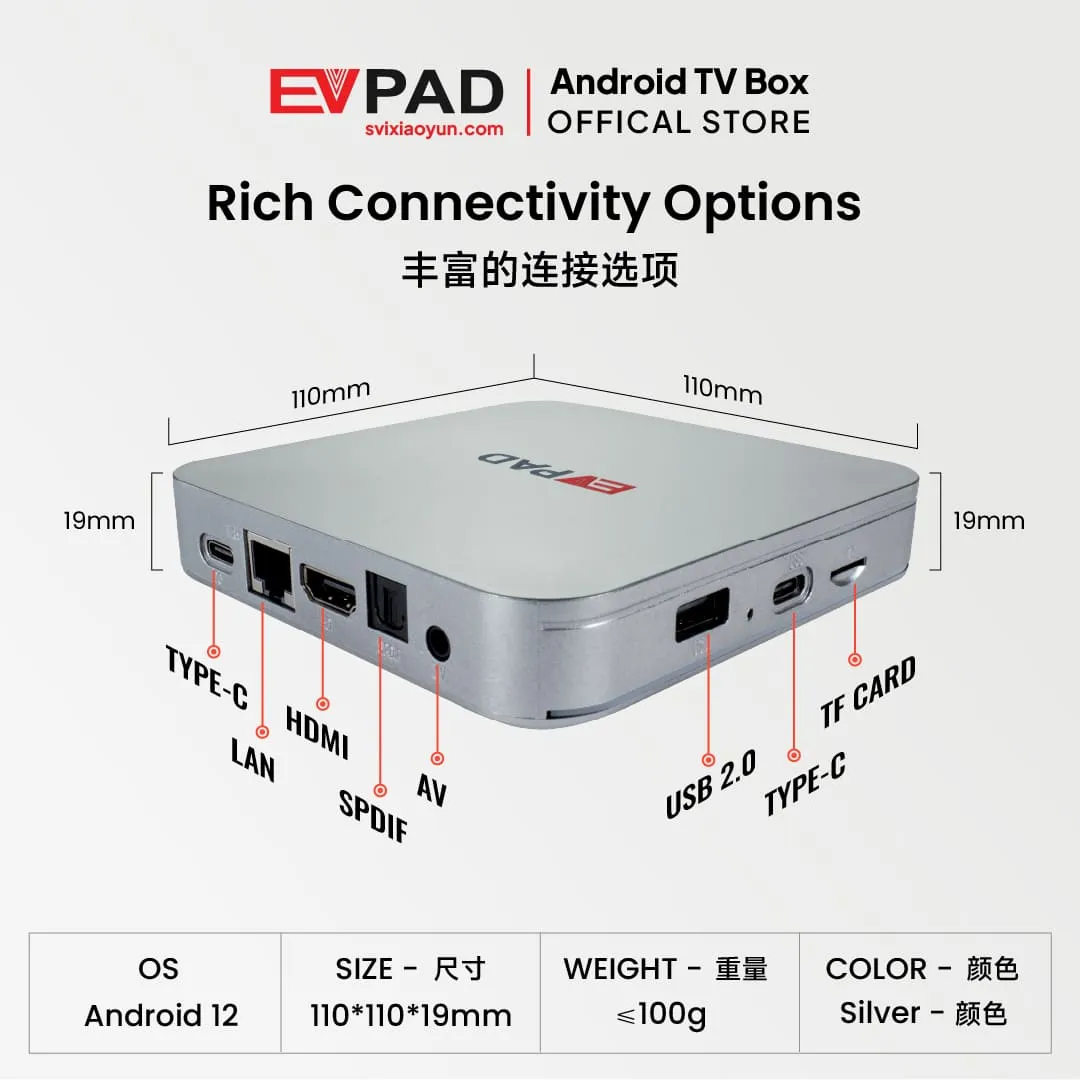
| Connections | HDMI, Gigabit LAN, SPDIF optical audio, AV output, USB 2.0, TF card slot and two Type-C connections (including DC 5V power input) |
| Remote Control | Smart voice remote with infrared/2.4G control and air mouse functionality |
| Power | DC 5V/2A |
| Dimensions | 110 × 110 × 19 mm |
| Target Market | Malaysia |
Specifications are based on the published EVPAD 12P product information. Please confirm hardware revisions and current product details before ordering.
Malaysia Version and App Compatibility
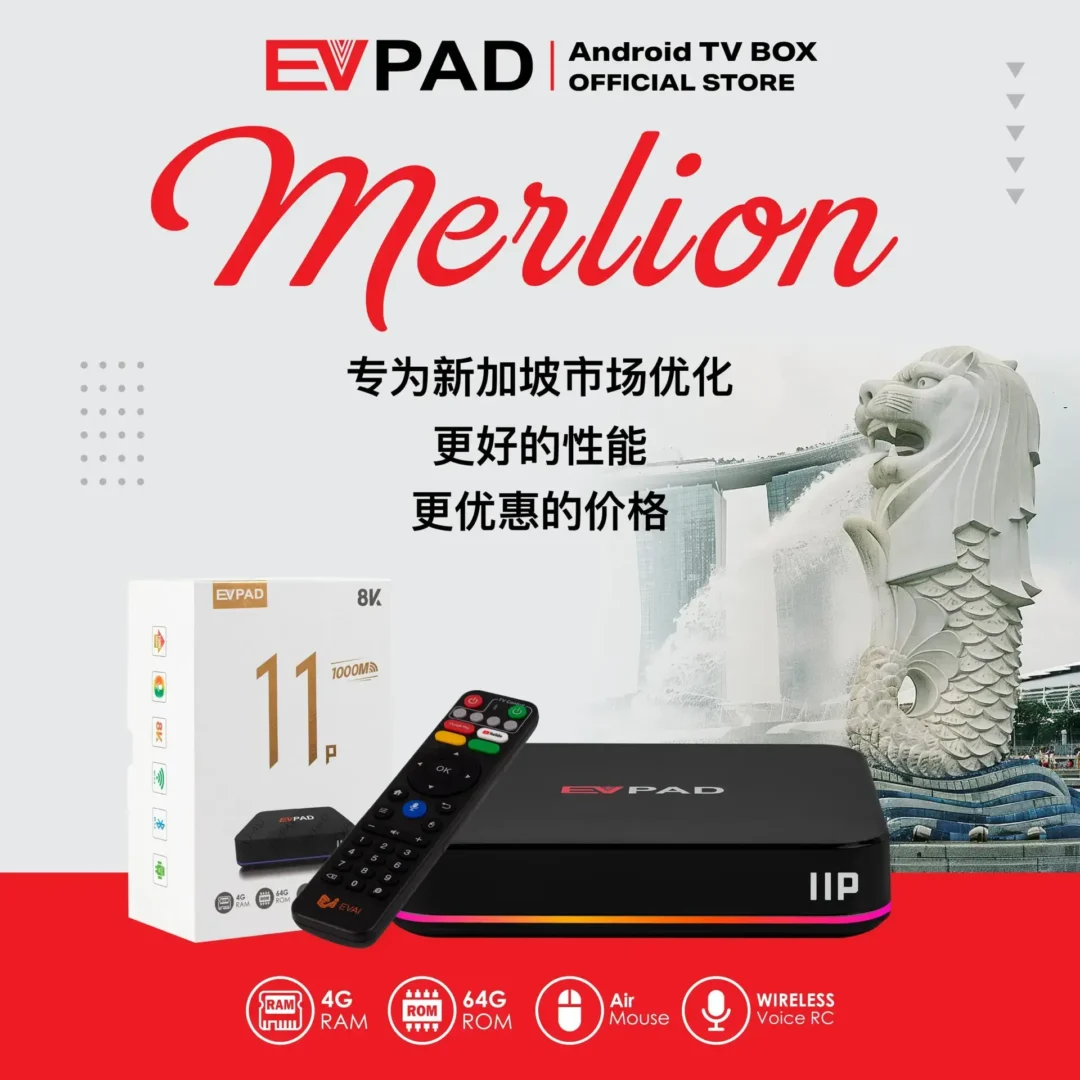
The Malaysia edition is configured for customers in the Malaysian market. If you plan to use the device in another country, please confirm regional compatibility before purchasing.
The TV box is sold as a one-time hardware purchase. Compatible third-party applications and services may have their own account requirements, subscriptions or fees.
Application availability, supported features and content access depend on the provider, applicable licensing and regional restrictions. Purchasing the device does not guarantee access to any particular channel, program or subscription service.
Not sure which model suits your needs? Read our EVPAD 12P vs 12S comparison.
What’s Included in the Box?
- EVPAD 12P Malaysia Version TV Box × 1
- Smart voice remote × 1
- HDMI cable × 1
- USB-C power cable × 1
- Compatible power adapter/plug × 1
- User guide × 1
Package contents may vary by production batch. Please check the product listing or contact customer support to confirm the accessories supplied with your order.
How to Set Up Your EVPAD 12P
- Connect the EVPAD 12P to your television using the HDMI cable.
- Connect the supplied power adapter to the USB-C DC 5V input.
- Connect the device to your home network using Wi-Fi or an Ethernet cable.
- Turn on the TV box, complete the initial Android settings and configure the compatible applications you want to use.
Before You Order
Before purchasing the EVPAD 12P Malaysia Version, please check your intended usage region, TV compatibility and available network connection.
The store offers a 1-year defect replacement service for eligible hardware faults and customer support. Contact the seller for warranty coverage, exclusions and claim procedures.
For information about returns, please review our Refund & Returns Policy.
Need help choosing the right version? Contact our customer support team before placing your order.





Reviews
There are no reviews yet