


EVPAD 12P Malaysia Version at a Glance
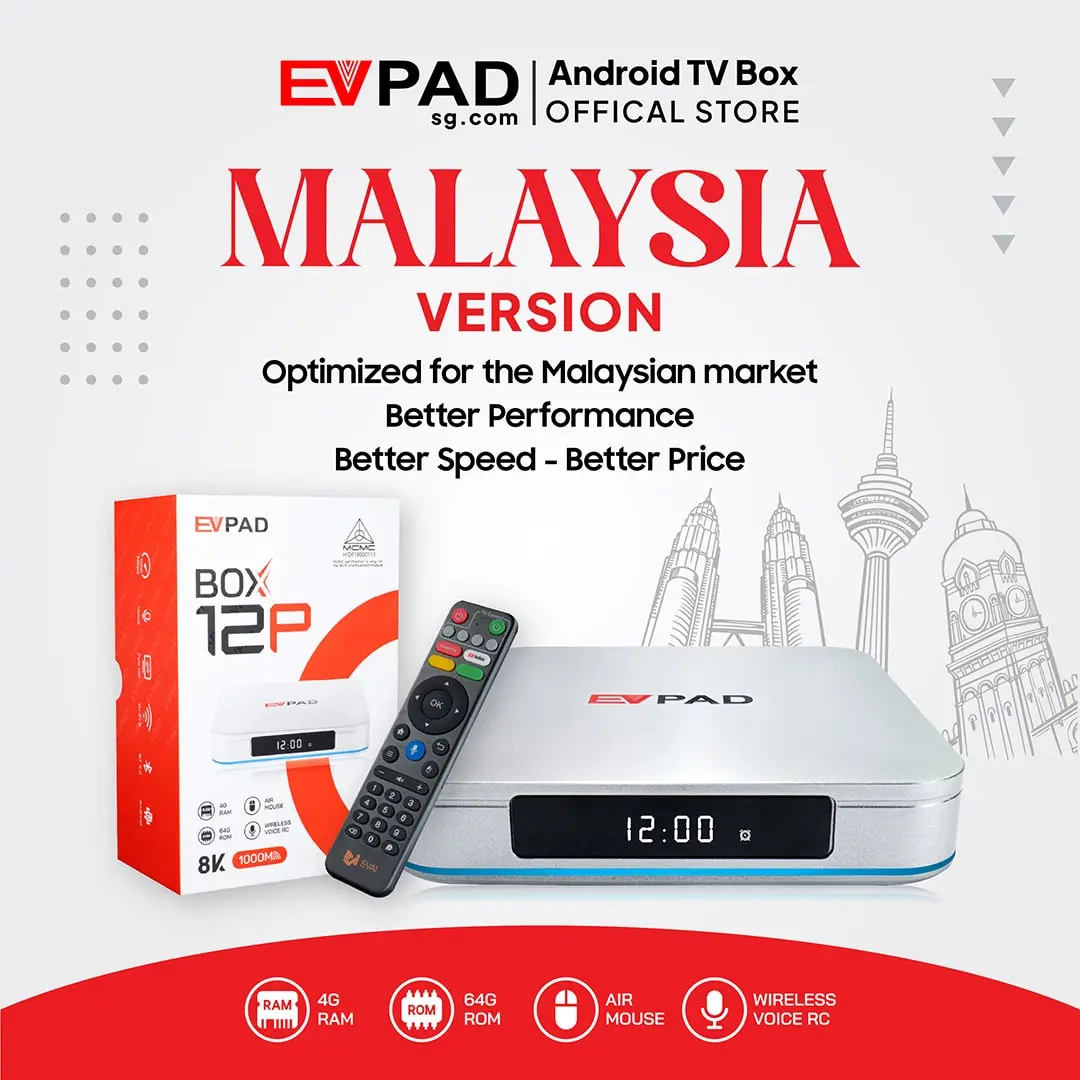
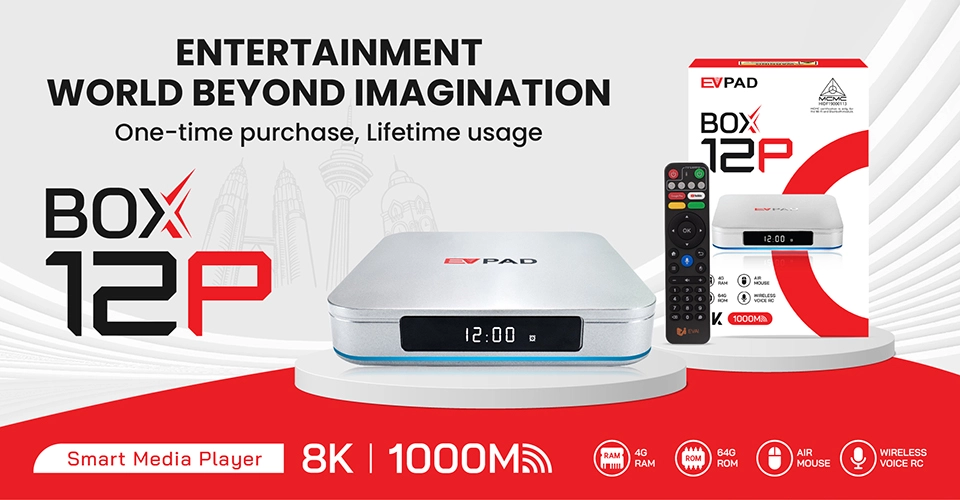
The EVPAD 12P Malaysia Version is built for customers who want a powerful Android TV box optimized specifically for use in Malaysia. Its combination of Android 12, 4GB DDR3 RAM and 64GB eMMC storage provides responsive navigation, practical storage space and reliable performance for daily home entertainment.
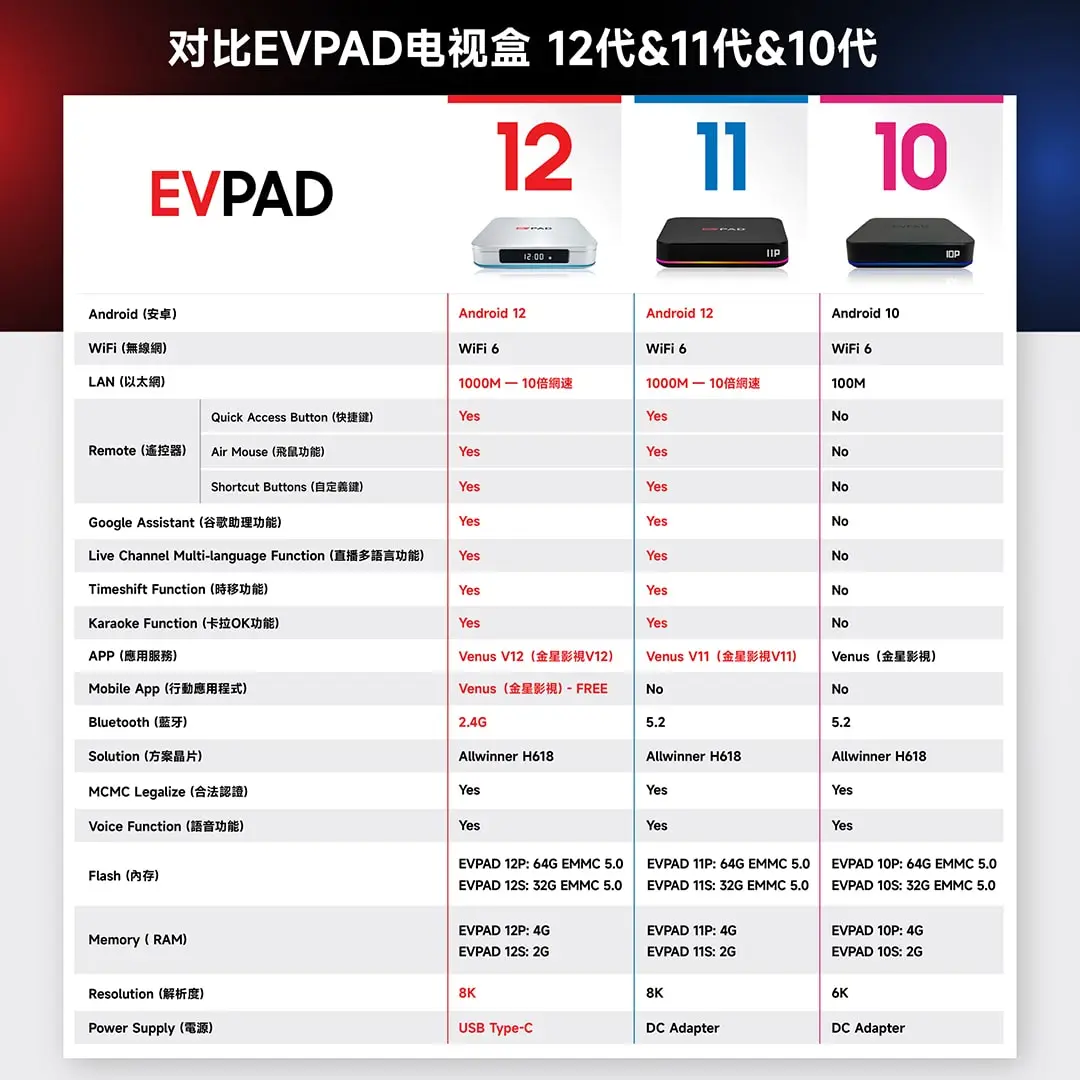
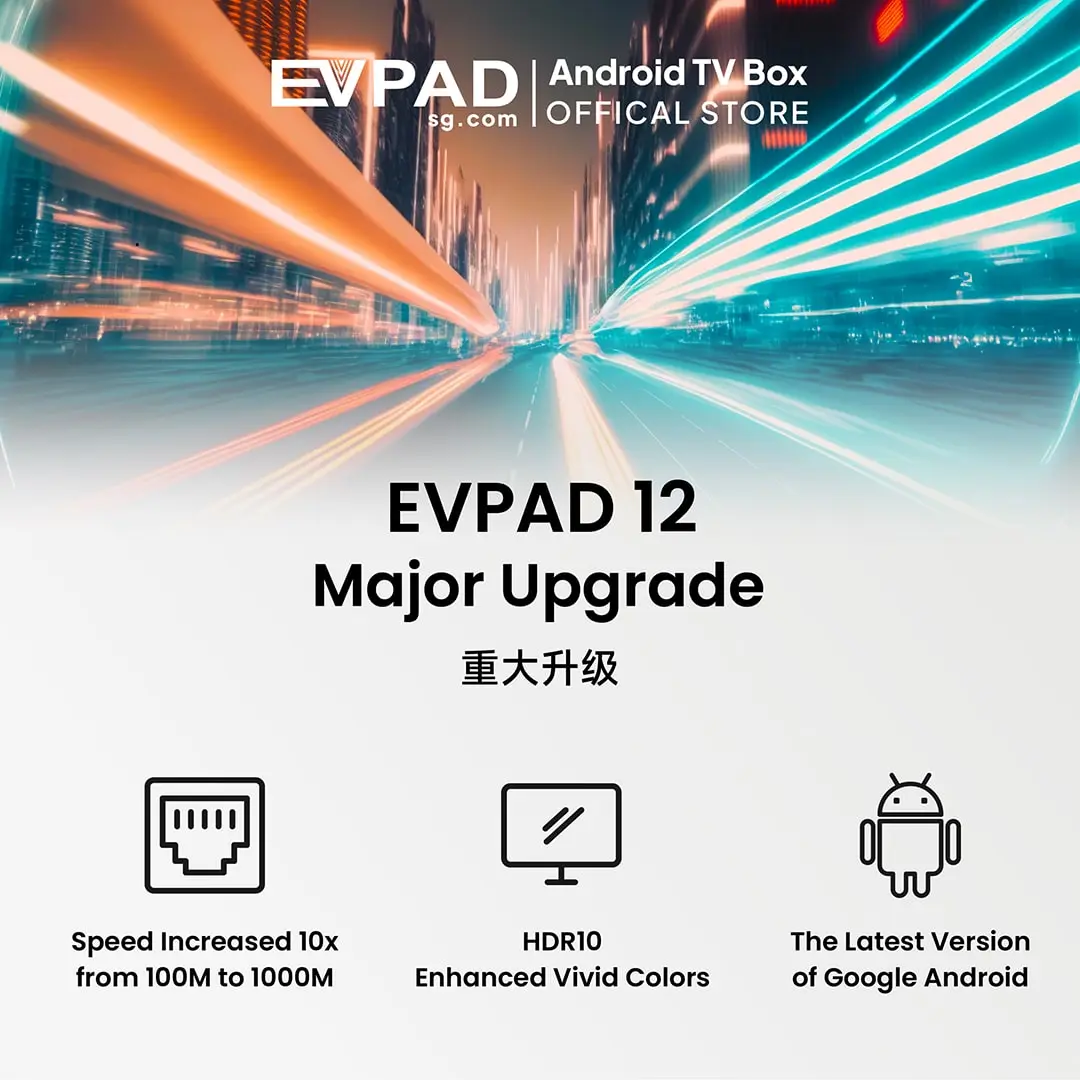
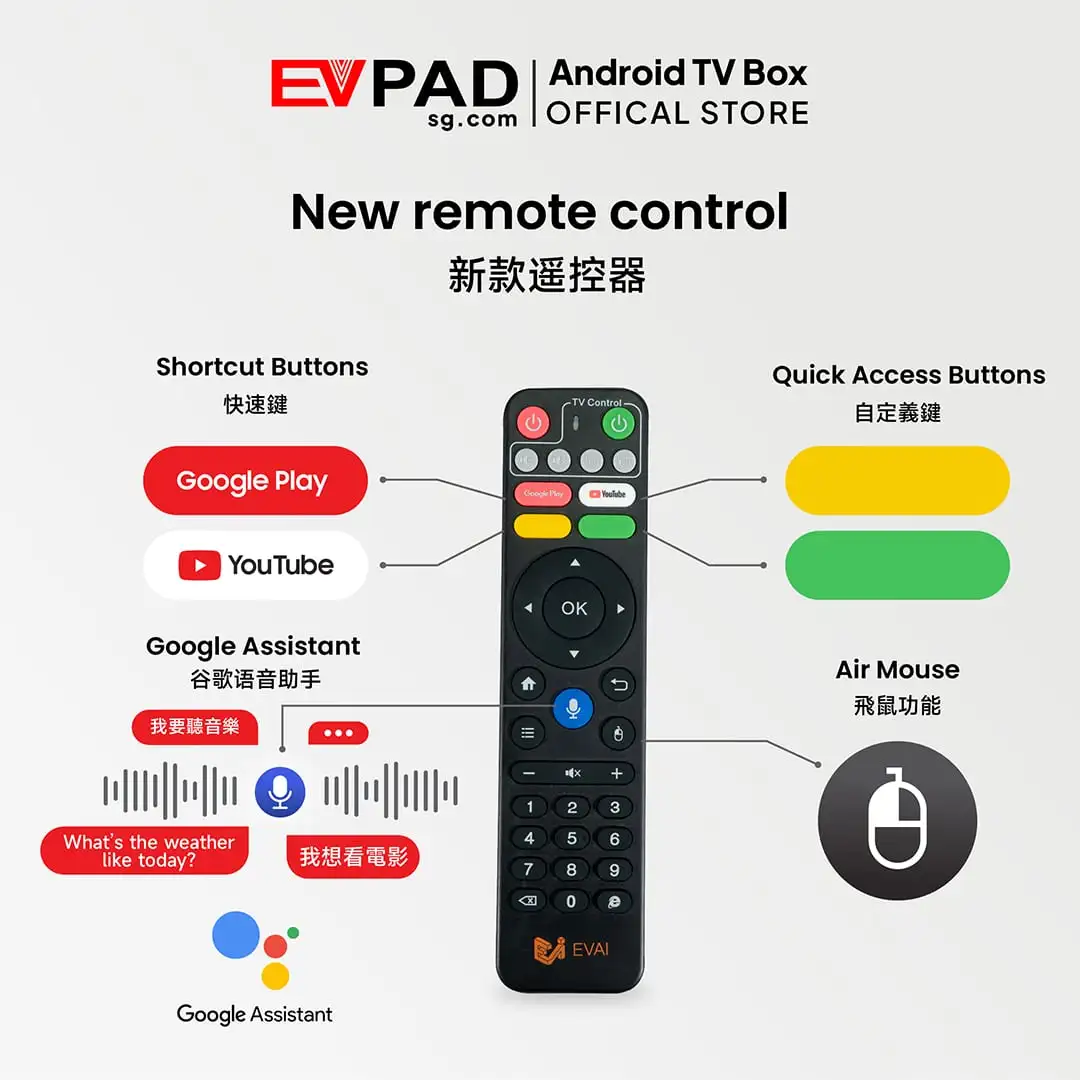
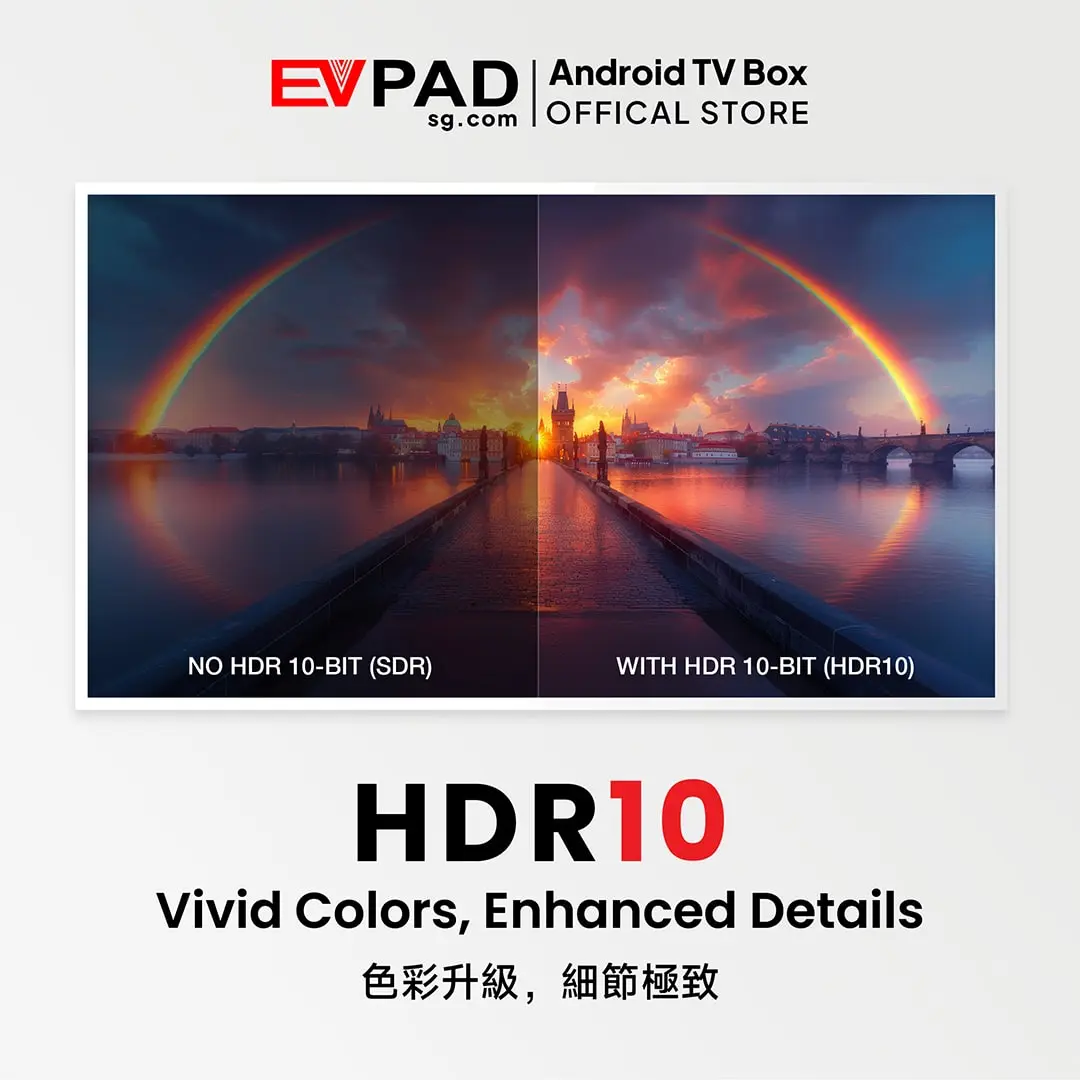
WiFi 6 and a 1000M Gigabit Ethernet port give you the flexibility to connect wirelessly or use a stable wired network. The device also supports up to 8K video output, HDR10, Bluetooth 5.2, voice control and a smart remote with air mouse functionality.
EVPAD 12P is sold as a one-time hardware purchase. Supported licensed entertainment services are available for the Malaysia edition, while specific services and content availability may change over time.
Is the EVPAD 12P Malaysia Version Right for You?
Choose This Version If You
- Live in Malaysia and want a model optimized for the Malaysian market.
- Want a higher-performance EVPAD model with 4GB RAM and 64GB storage.
- Need both WiFi 6 and 1000M Gigabit Ethernet connectivity.
- Prefer voice search, an air mouse and customizable shortcut controls.
- Are upgrading from an older EVPAD generation and want newer hardware and connectivity.
Choose a Different Version If You
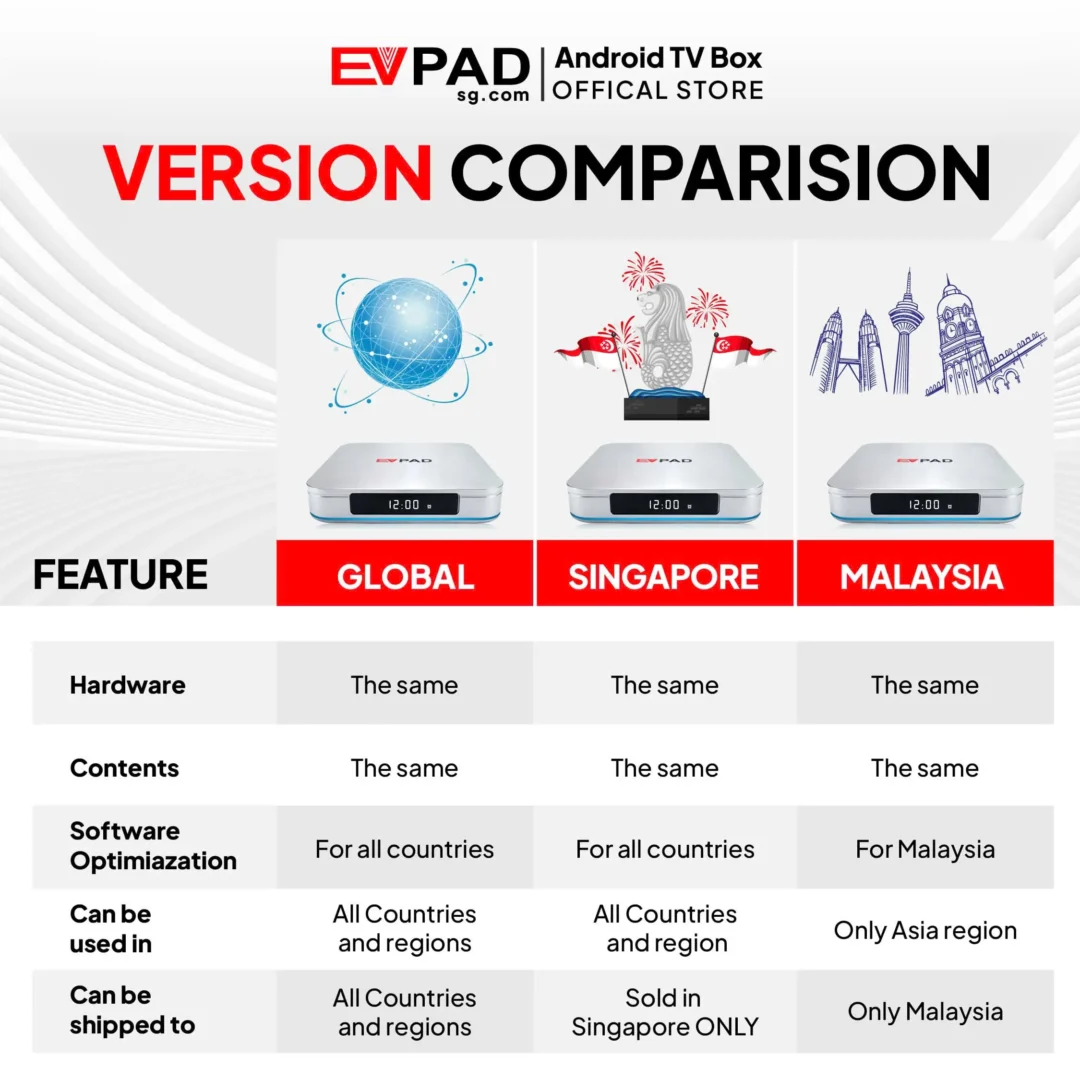
- Plan to use the device outside Malaysia.
- Need a model designed for North America, Europe, Singapore or another market.
- Prefer a lower-cost model and do not require 4GB RAM or 64GB storage.
Verified EVPAD 12P Specifications
| Model | EVPAD 12P Malaysia Version |
|---|---|
| Operating System | Android 12 |
| Processor | Allwinner H618, Quad-core 64-bit Cortex-A53 |
| GPU | Mali-G31 |
| Memory | 4GB DDR3 RAM |
| Storage | 64GB eMMC 5.0 |
| Maximum Video Output | Up to 8K with HDR10 support |
| WiFi | WiFi 6, dual-band 2.4GHz and 5GHz |
| Ethernet | 1000M Gigabit LAN, RJ45 |
| Bluetooth | Bluetooth 5.2 |
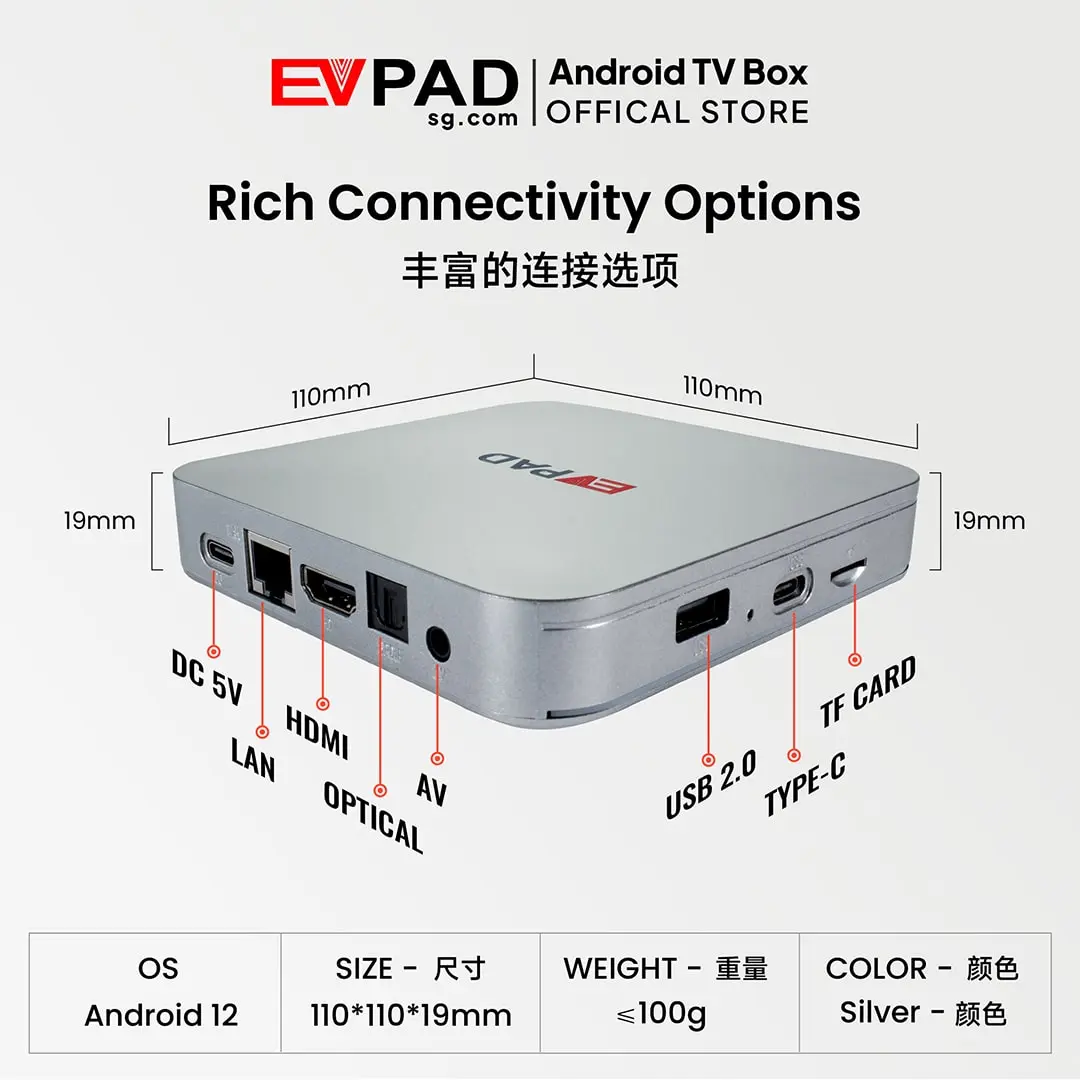
| Connections | HDMI, 1000M LAN, optical audio, AV output, USB 2.0, TF card slot, one Type-C port and one USB-C DC 5V power input |
| Remote Control | Infrared and 2.4G smart voice remote with air mouse support |
| Dimensions | 110 × 110 × 19 mm |
| Weight | 100 g or less |
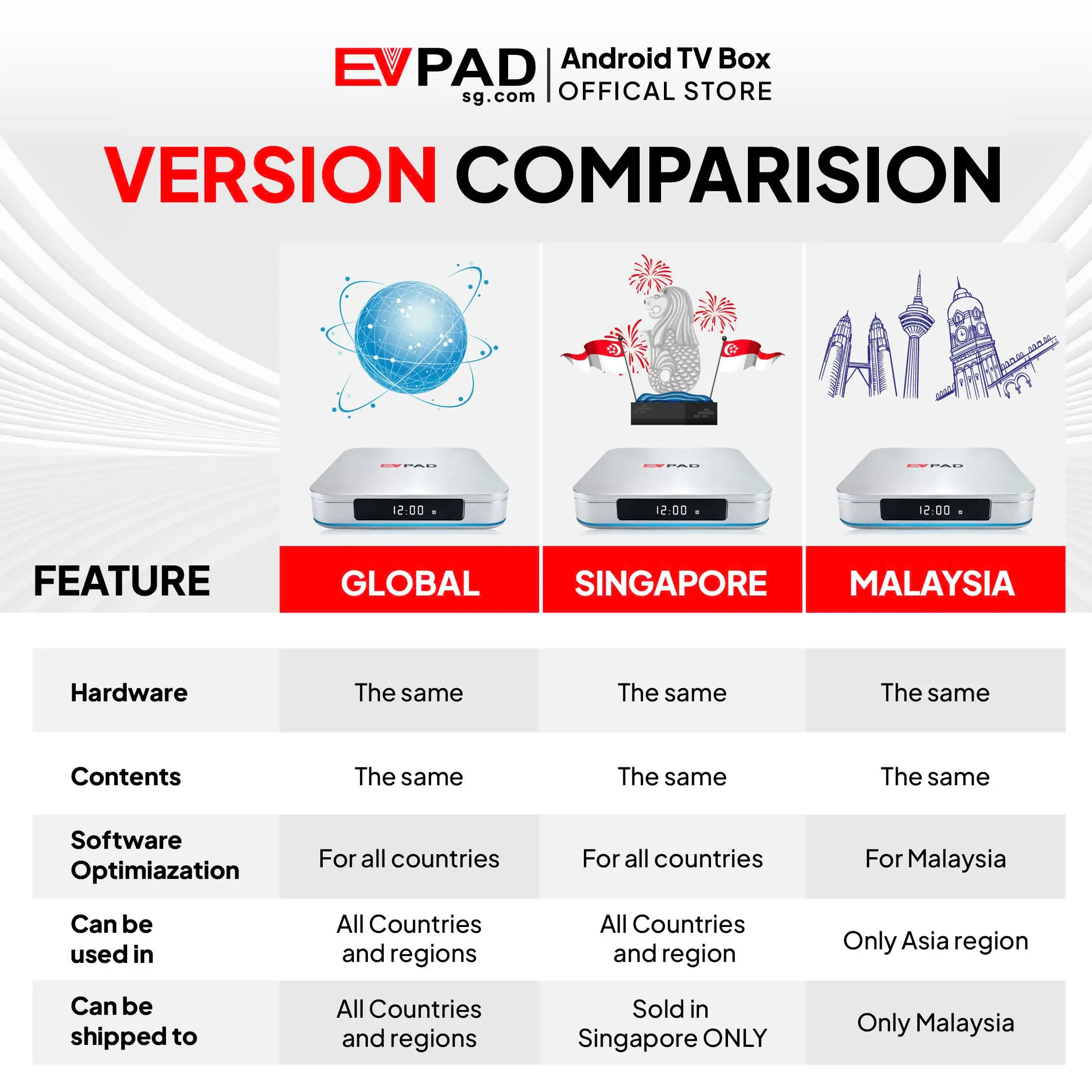
| Supported Market | Malaysia only |
Key Features for Everyday Use
Responsive Performance with 4GB RAM and 64GB Storage
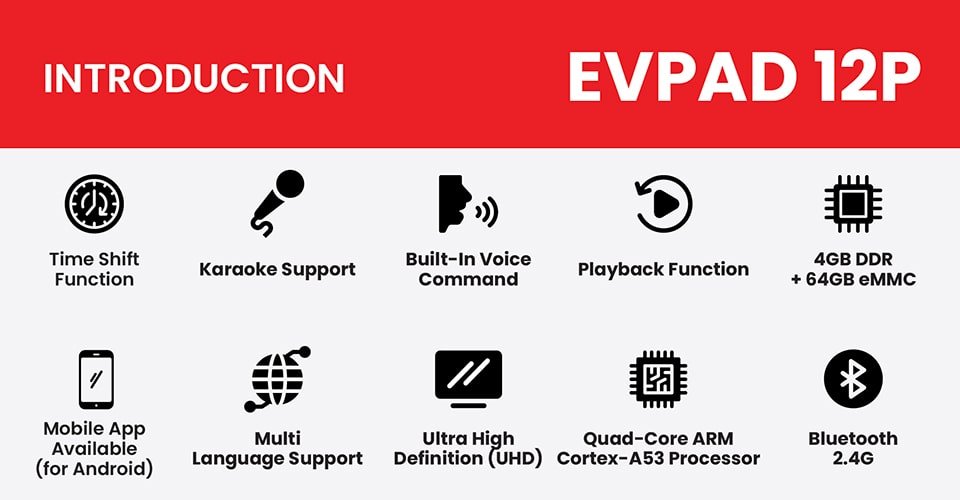
The Allwinner H618 platform, 4GB DDR3 RAM and 64GB eMMC storage provide a balanced setup for everyday use. Menus respond quickly, supported applications have more room to operate and the larger storage capacity gives you space for system updates and compatible apps.
WiFi 6 and 1000M Gigabit Ethernet
Connect through dual-band WiFi 6 for a convenient wireless setup, or use the 1000M RJ45 Ethernet port when you want a more consistent wired connection. Actual streaming quality will still depend on your Internet plan, router, network traffic and the source being played.
8K Output and HDR10 Support
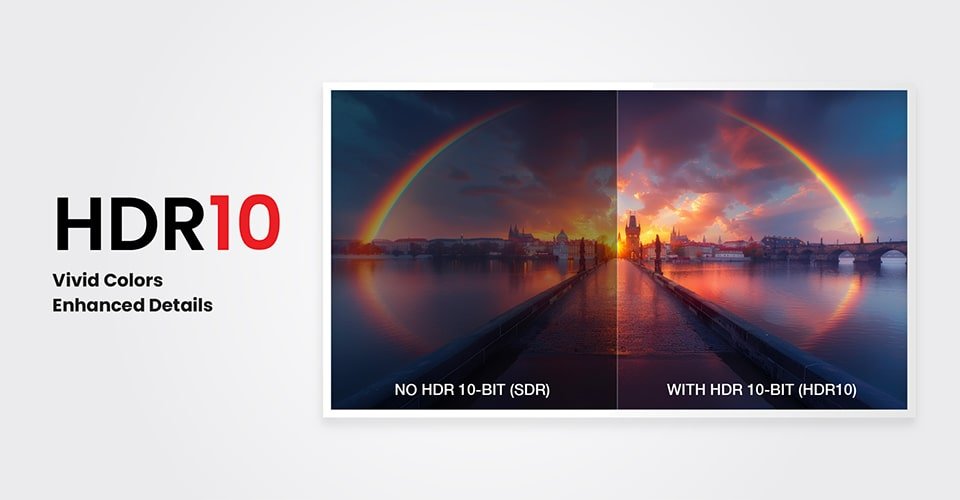
EVPAD 12P supports video output up to 8K and HDR10 for compatible televisions and supported source content. HDR10 can improve contrast, brightness and color detail, while the final picture quality depends on your TV, HDMI connection and the resolution of the original source.
Smart Voice Remote with Air Mouse
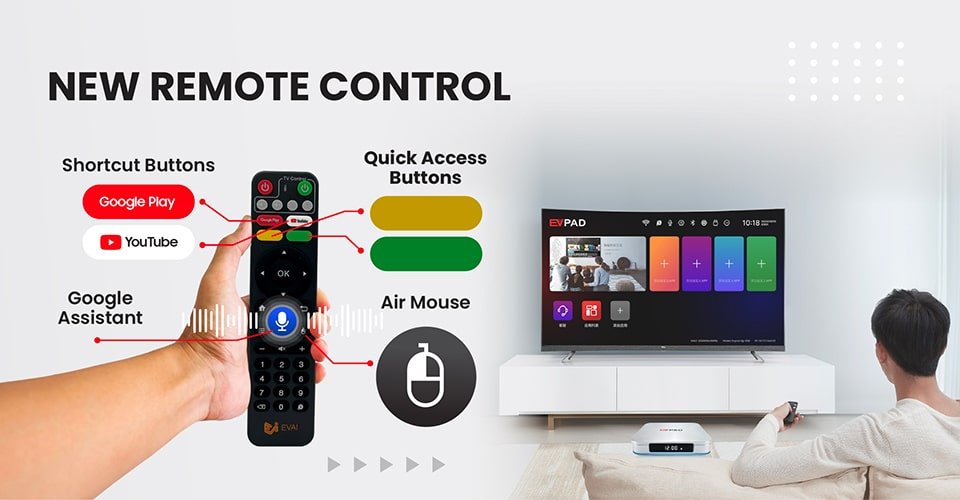
The included smart remote supports voice input, air mouse navigation, shortcut buttons and customizable controls. These features make it easier to search, move through menus and access frequently used functions without relying only on traditional directional buttons.
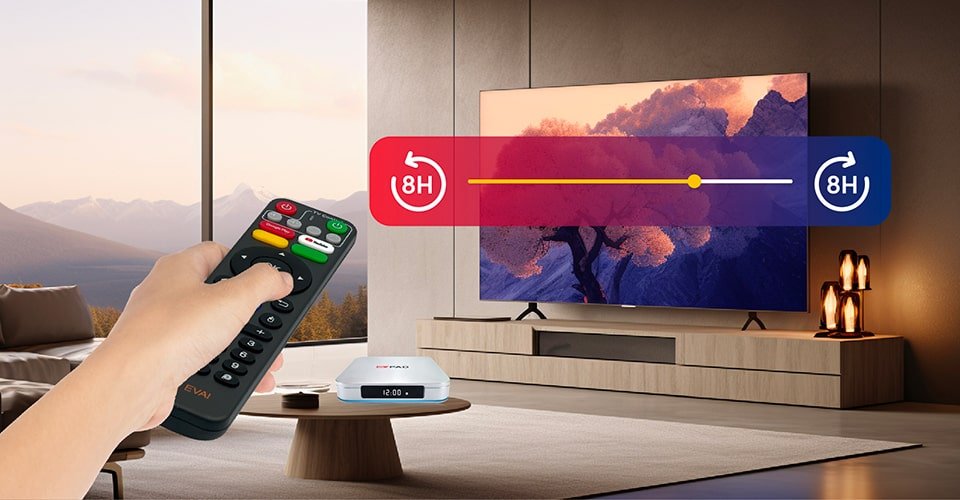
Flexible Time-Shift and Playback Controls
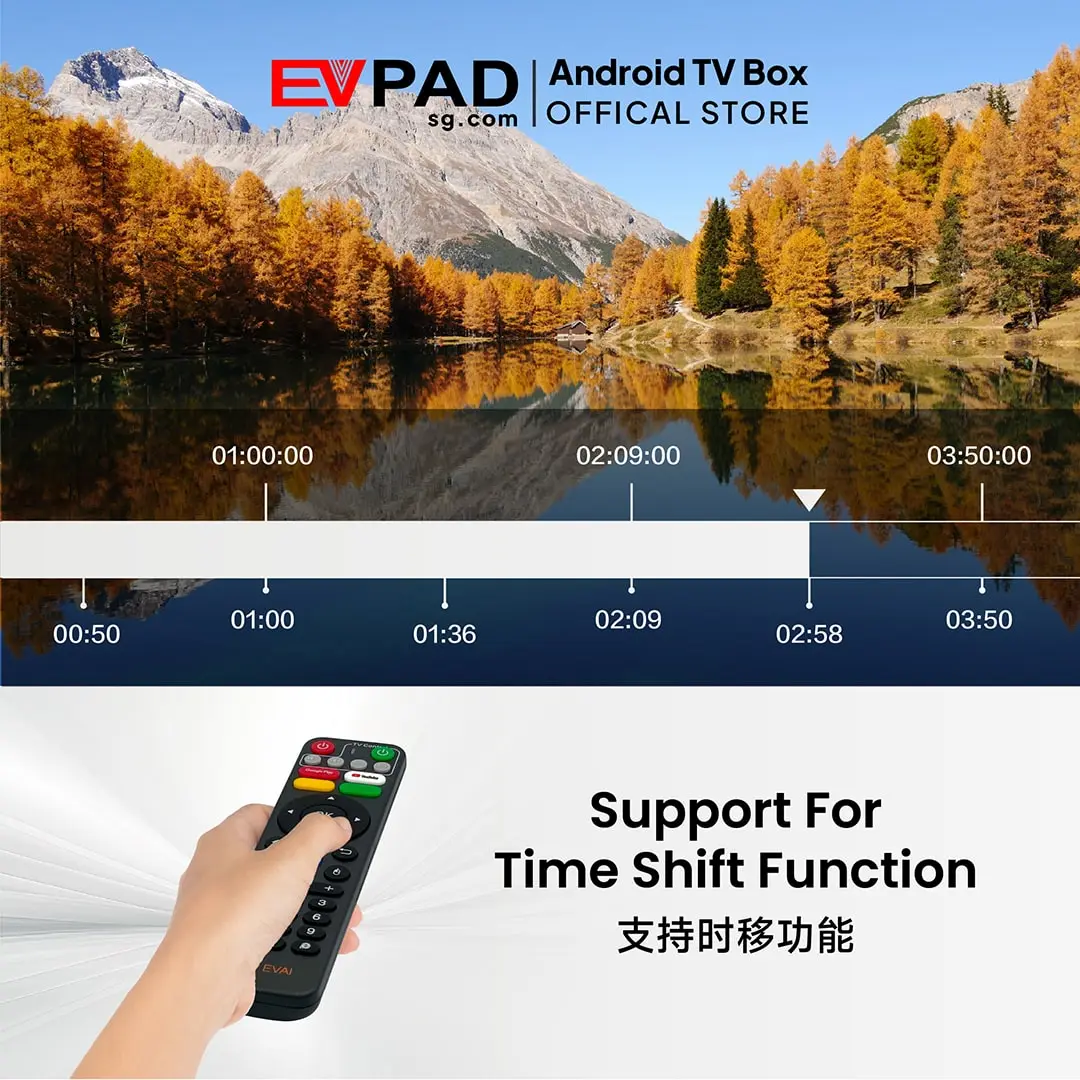
The time-shift function provides more flexibility when watching supported live content. Depending on the channel or service, users may be able to pause, revisit recent content or access available playback options. Feature availability varies by service and source.
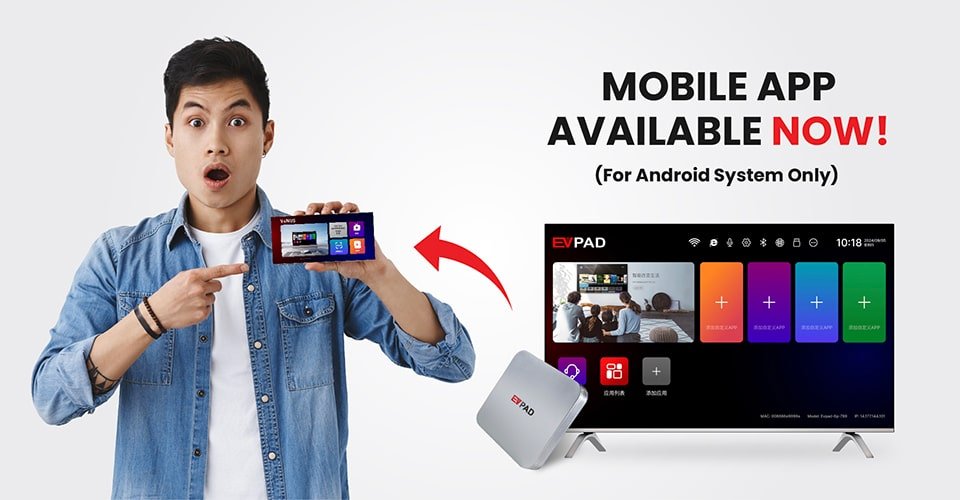
Android Mobile App Compatibility
EVPAD 12 includes mobile functionality for supported Android phones. Depending on the current app version, the phone can provide additional ways to access, control or interact with supported EVPAD services. This feature is currently intended for Android devices.
Before installing it, read the EVPAD 12 Venus Mobile App Guide for device requirements, installation steps and troubleshooting advice.
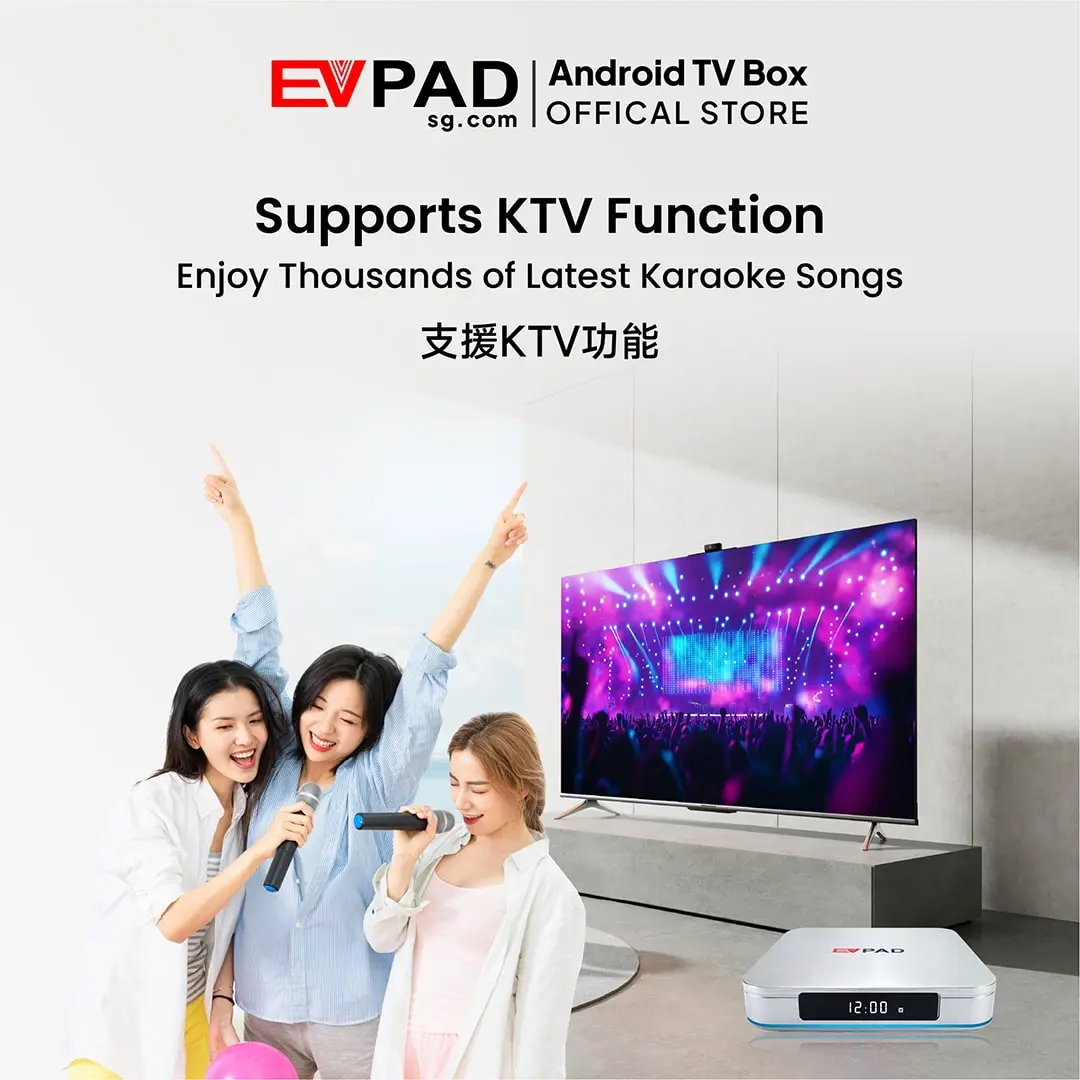
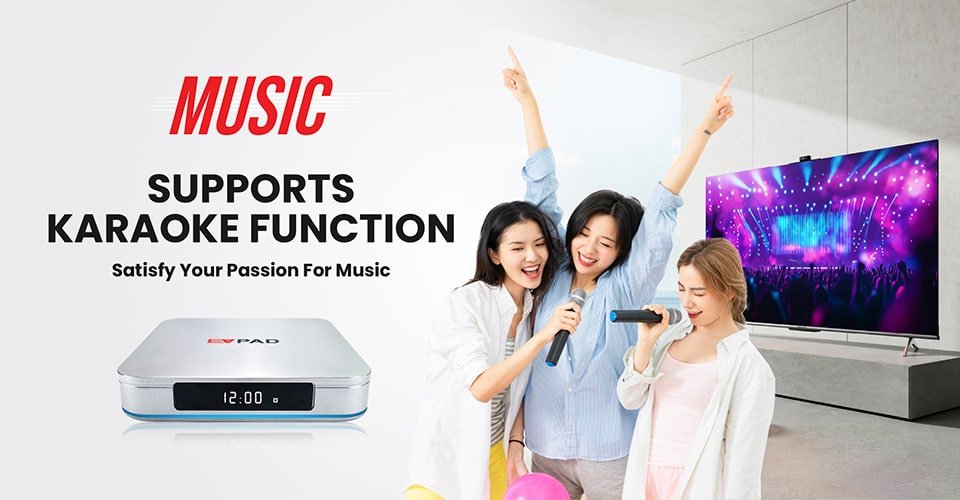
Home Karaoke Support
The EVPAD 12 series supports a dedicated KTV experience for family gatherings, parties and casual singing at home. Compatible microphones and audio equipment may be required depending on your preferred setup.
See our step-by-step guide to install the KTV app on EVPAD 12.
Licensed Entertainment Services for Malaysia
The Malaysia edition supports licensed entertainment services intended for customers in Malaysia, including supported live content, on-demand programs, sports, playback features and other regional entertainment options. Service availability, individual channels and content libraries may change because of licensing, updates or regional requirements.

Privacy and Family Access Controls
Selected supported services may include age-restricted content intended only for adults. Password protection and independent app access help prevent children from opening inappropriate sections. Adult users should configure access controls during setup and keep passwords private.
For additional guidance, read our article about privacy and family-friendly access control on EVPAD 12.

What Is Included in the Box?
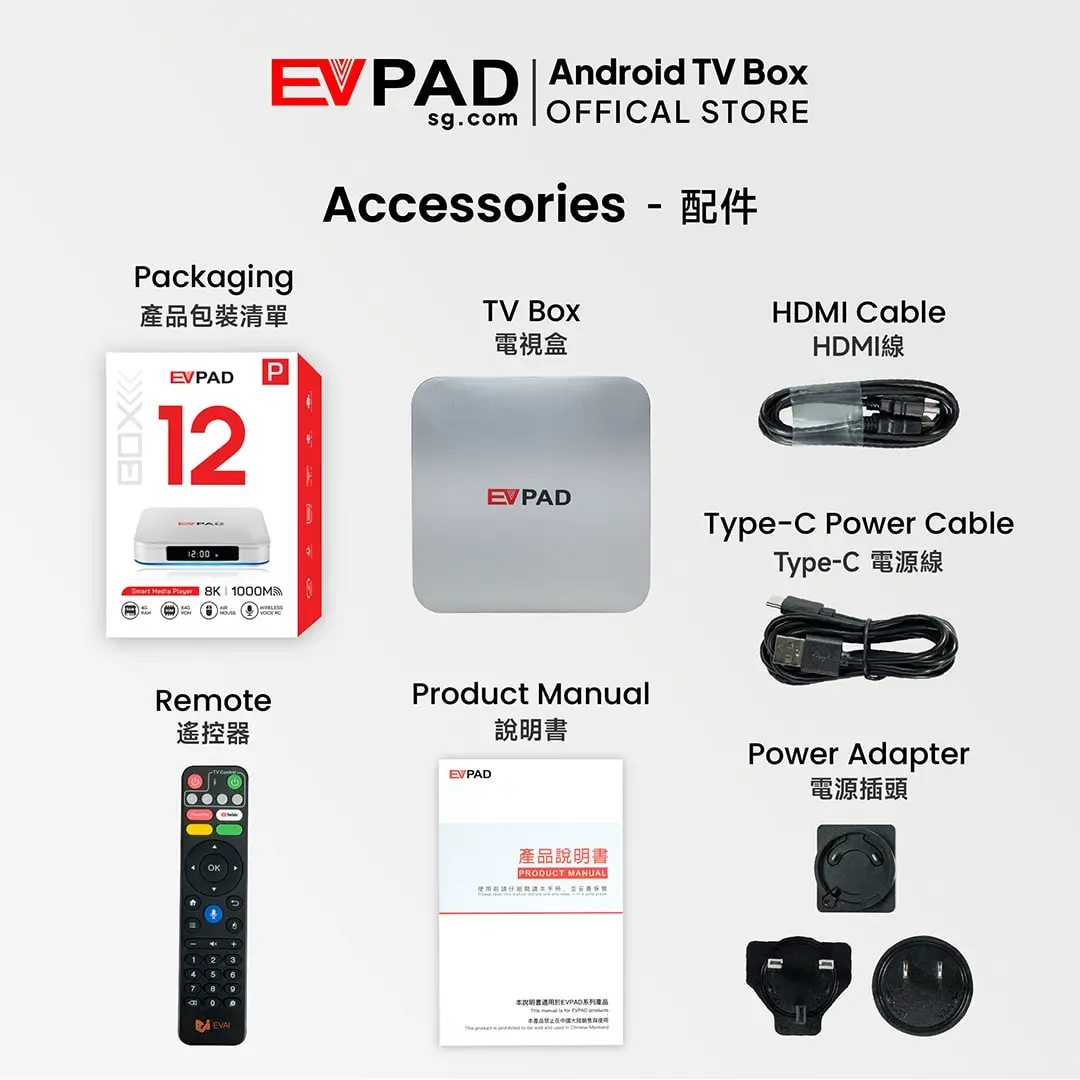
- EVPAD 12P Malaysia Version TV box × 1
- Smart voice remote × 1
- HDMI cable × 1
- USB-C power cable × 1
- Compatible Malaysia power plug/adapter × 1
- User guide × 1
Package contents may be updated by the manufacturer. Please refer to the product images and order details for the latest included items.
How to Set Up Your EVPAD 12P
- Connect the EVPAD 12P to your television using the supplied HDMI cable.
- Connect the DC 5V USB-C power input to the included power adapter.
- Connect to WiFi 6 or plug a network cable into the 1000M LAN port.
- Turn on the device and complete the Android language, display and network settings.
- Install or configure the supported services you plan to use.


Reviews
There are no reviews yet